Website architecture is the way a website's pages are organized, connected and labeled: the hierarchy of pages, the navigation menus, the page addresses, the links between pages and the structured information that tells search engines what each page is about. For design firms, good website architecture means visitors can quickly find services, projects and contact details, and search engines and AI tools can understand what the firm does, where and for whom. It is the plan behind the pages, much like a floor plan behind a building.
Here is what website architecture includes and how to plan it.
Website architecture versus visual design
Visual design is how the website looks: typography, color, images and layout. Website architecture is how it is organized. A beautiful site with poor architecture is like a beautiful building with confusing circulation: visitors get lost. Planning architecture before design makes everything else work better.
Page hierarchy
Hierarchy describes how pages relate. A typical design firm site might look like this:
- Home
- About, with team pages
- Services, with a page for each service
- Projects, with a page for each project
- Journal or news, with articles
- Contact
Each section groups related pages. Visitors and search engines understand that a project page belongs to the projects section and relates to a particular service.
Navigation
Navigation is how visitors move through the hierarchy. Keep main navigation short and labels plain: Work, Services, About, Journal, Contact. Make contact easy to find from every page. On phones, make sure the menu is easy to open and use.
Page addresses
Clean, readable addresses help visitors and search engines. Compare "example.com/projects/hillside-residence-sonoma" with "example.com/page?id=4821." The first tells everyone what the page is. Keep addresses short, descriptive and consistent.
Internal links
Links between pages create paths for visitors and help search engines understand relationships. Link each project to the related service, the people who led it and similar projects. Link service pages to their best projects. Link articles to relevant services. Our article on making a design website AI-readable explains how links and context help AI tools.
Structured data
Structured data is code that labels information on a page in a standard format, such as the business name, address, services or the fact that a page describes a project or article. It helps search engines and AI tools interpret pages accurately. Add it where it fits, especially for your business details, articles and frequently asked questions.
Architecture for large portfolios
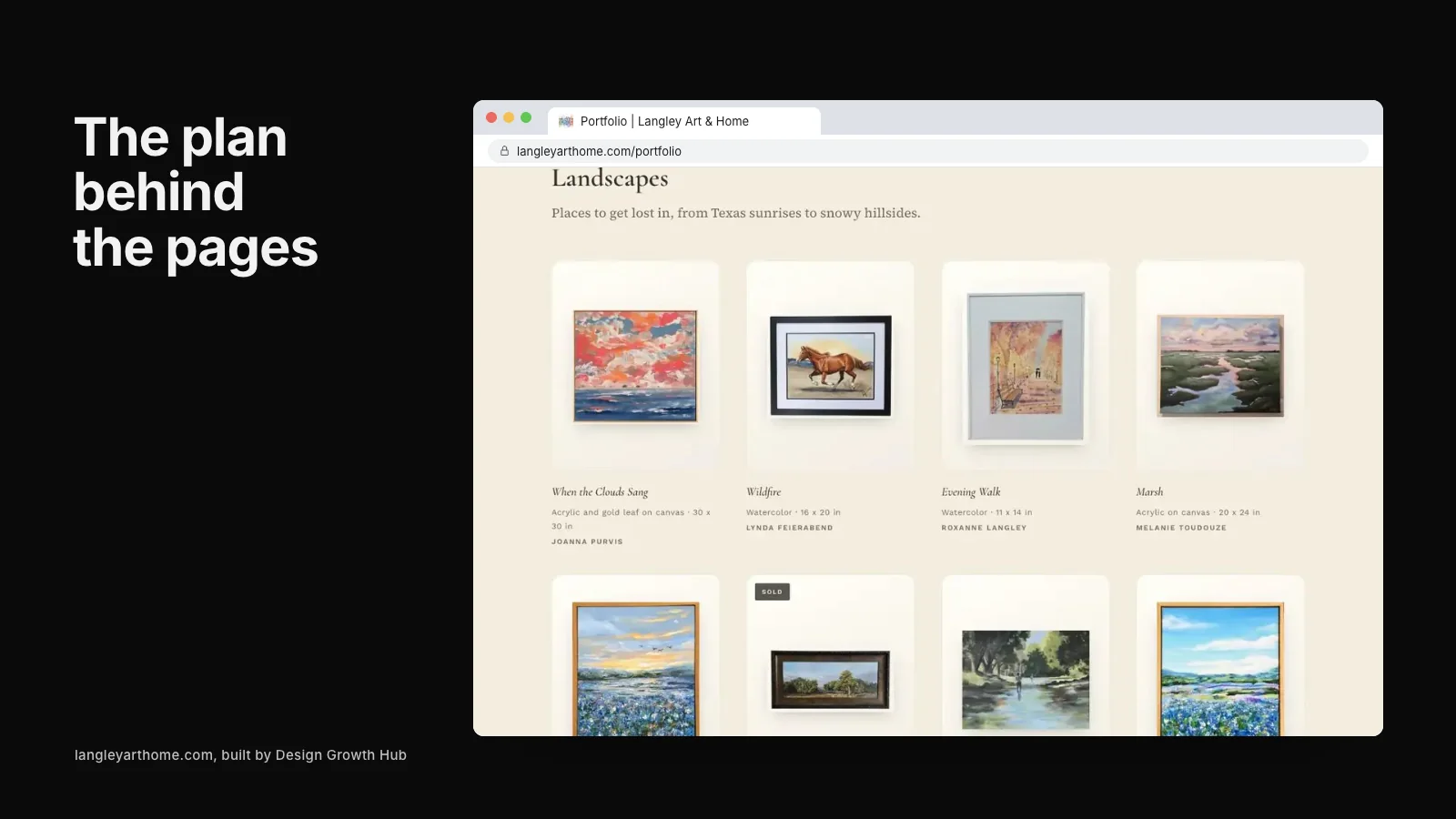
Firms with many projects need filters and categories: by project type, location or discipline. Each filter should lead to a sensible collection, and each project should still have its own page.
Architecture for combined practices
Practices offering several disciplines need structure that presents each clearly while showing integration. Our article on one website for an architecture and interior design practice explores the approach.
Architecture and conversion
Good structure also guides visitors toward inquiries: from home page to project, from project to service, from service to contact. Our article on conversion website design for service firms explains how structure supports conversion.
Planning website architecture
- List every page you need.
- Group them into sections.
- Decide navigation labels.
- Plan page addresses.
- Map key internal links.
- Note where structured data applies.
Do this before design begins. Our articles on what great architecture firm websites have in common, architecture firm website examples and architecture website design ideas show how strong structure supports strong design.
When redesigning
If you redesign an existing site, map old pages to new ones and set up redirects so links and visibility carry over. Changing structure without redirects can lose search visibility built over years.
Breadcrumbs and orientation
Breadcrumbs are small navigation trails, such as Home, Projects, Hillside Residence, that show visitors where they are in the site. They help people move back up the hierarchy and can help search engines understand structure. For sites with many projects or articles, breadcrumbs are a simple, useful addition.
Footer navigation
The footer is often overlooked but useful. Include links to key sections, contact details, service areas and important policies. Visitors who reach the bottom of a page should find clear next steps rather than a dead end.
Search within the site
Large sites with many projects or articles benefit from an internal search. Make sure results are useful and well organized. For smaller sites, clear navigation and filters are usually enough.
Measuring how structure performs
Analytics show how visitors move through your site: which pages they enter on, where they go next and where they leave. If many visitors leave project pages without exploring further, add clearer links to related projects, services and contact. Structure is never finished; it improves with evidence.
Content types and templates
Decide which content types your site needs, such as projects, services, people and articles, and design a consistent template for each. Templates keep pages consistent, make updates easier and help search engines recognize patterns across the site.
Common mistakes
- Many top-level menu items with vague labels.
- Projects without their own pages.
- Unreadable or inconsistent page addresses.
- Pages with no links to related content.
- Redesigns without redirects.
If you would like help planning your website's architecture, our website redesign service works with design firms. Or request a studio review to start.
Good structure is quiet work, but it makes every other part of the website easier to use and easier to find.
Fix the structure behind your website
Beauty gets attention. Structure gets discovery. We help you build both, so the right clients arrive ready.
Request a Studio Review