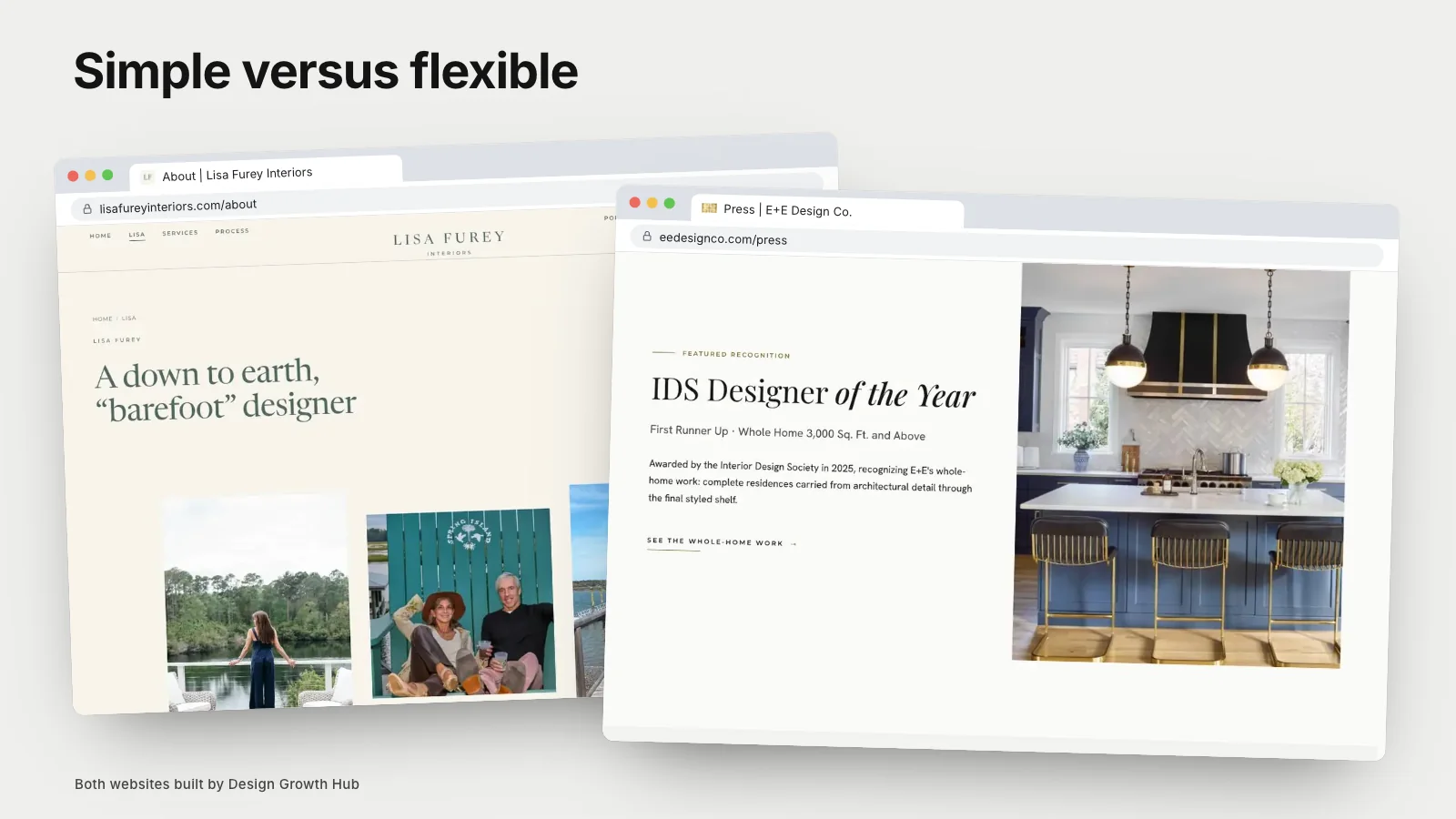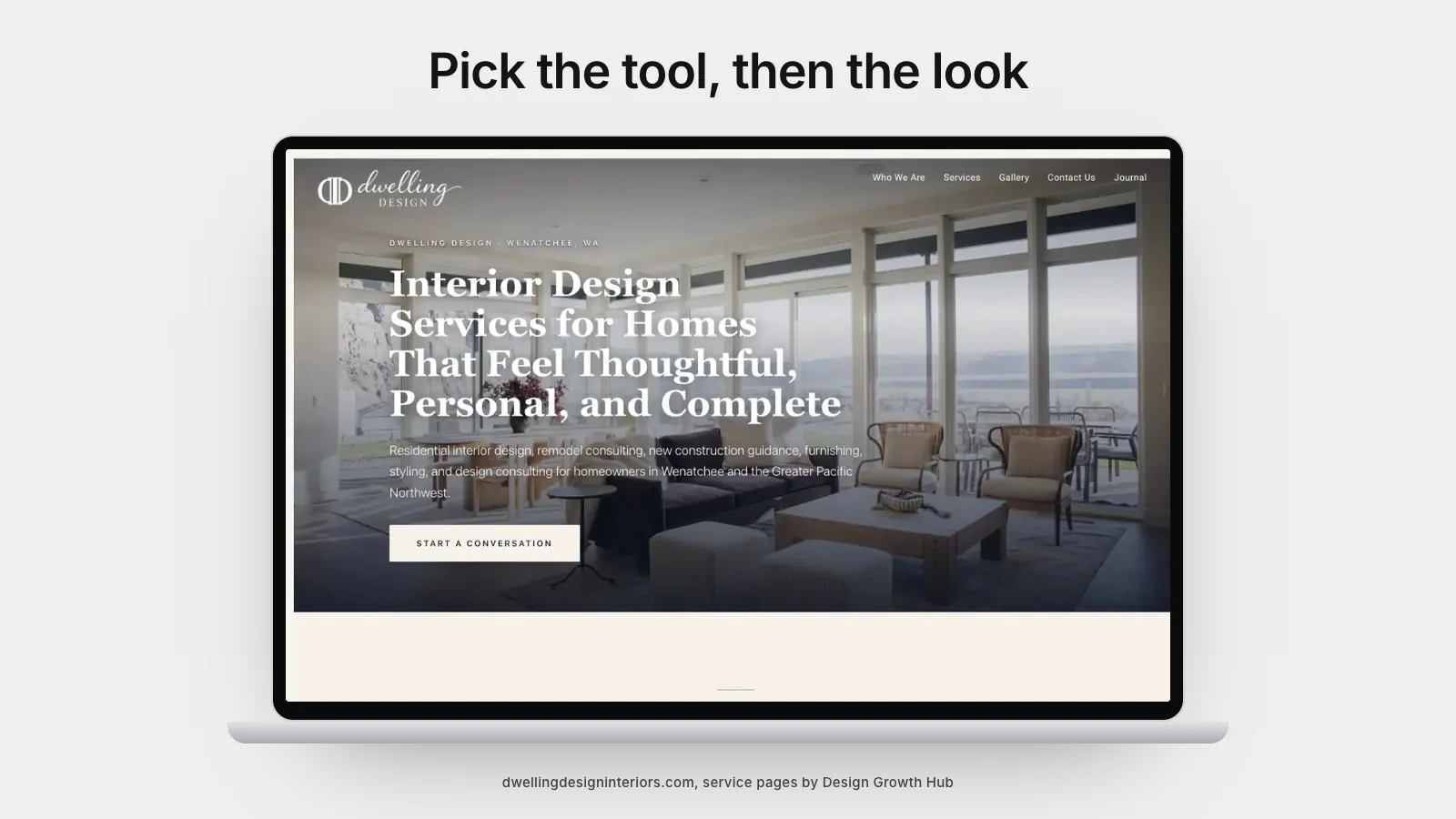
The best website builder for an interior designer depends on how you work. Squarespace suits studios that want a clean, simple site they can update themselves. Showit suits designers who want more visual freedom on each page. WordPress suits studios that need many pages, deeper control over search and room to grow. Wix can work well for smaller sites but is harder to move away from later.
This article compares the main options from a design studio's point of view and explains when it makes sense to step beyond a builder altogether.
What an interior designer needs from a website builder
Before comparing platforms, it helps to be clear about the job. Most studios need a builder that can:
- Present large, high-quality photography without slowing pages down.
- Create individual project pages with stories, facts and galleries.
- Add service and location pages as the business grows.
- Edit page titles, descriptions, headings and image alt text easily.
- Look excellent on phones without separate design work for every page.
- Let you add a project or update copy without calling a developer.
Keep this list nearby as you compare. It is easy to be won over by a beautiful demo template that struggles with the everyday work of running a studio site.
Squarespace
Squarespace is popular with designers because its templates are clean and editing is simple. Galleries look good, mobile layouts are handled automatically and hosting is included. It suits studios with a modest portfolio and a small number of pages.
The limits show up around flexibility. Project page layouts can feel similar across studios, structured data is limited and large sites can become awkward to manage. Many studios start here and move on as they grow. Our comparison of Squarespace versus WordPress goes into detail.
Showit
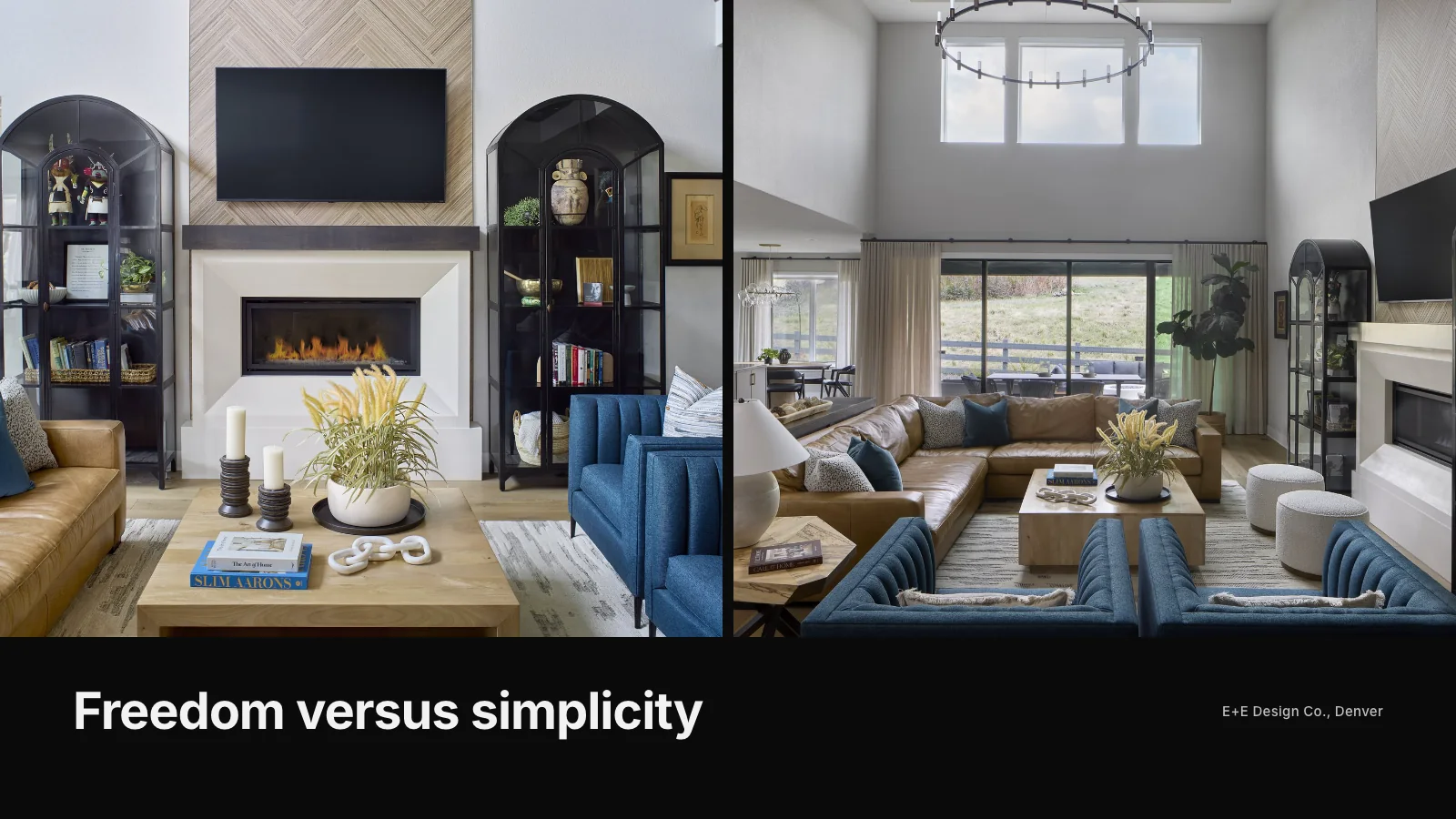
Showit gives designers far more visual freedom. Each page can be arranged precisely, which appeals to studios with a strong brand look. It often pairs with WordPress for a blog. The trade-off is that freedom requires more care: designing separately for desktop and mobile and keeping page structure clean for search. Our article on Showit versus Squarespace compares the two directly.
Wix
Wix is easy to start with and offers plenty of templates. For a small site, it can be perfectly adequate. Studios tend to find it harder to achieve a refined, editorial feel, and moving a large Wix site elsewhere later takes careful planning. Scott Himmel & Co. moved from Wix to a custom site with 24 project pages once the firm needed more structure, which you can see in the Scott Himmel case study.
WordPress
WordPress powers a huge share of websites and offers almost unlimited flexibility. It handles large numbers of project, service and location pages well and gives full control over search details. The downside is responsibility: hosting, updates, security and plugins all need attention. A poorly built WordPress site can be slow and fragile, while a well-built one can serve a studio for many years.
Custom websites
Some studios outgrow builders altogether. A custom website is built specifically for your content, which allows faster pages, cleaner structure and a design that is clearly yours. It costs more upfront and usually involves working with a designer or agency. Our article comparing a website builder versus a designer sets out the trade-offs honestly.
How to compare builders fairly
Rather than judging demos, test each builder with your own material. Build one real project page with your photos and story, then check it on a phone. Ask:
- Does the page load quickly on mobile data?
- Can I control the page title, description and headings?
- Does the layout let me pace a story, or only show a grid?
- How easy is it to add the next project?
- Can I move my content elsewhere if I need to later?
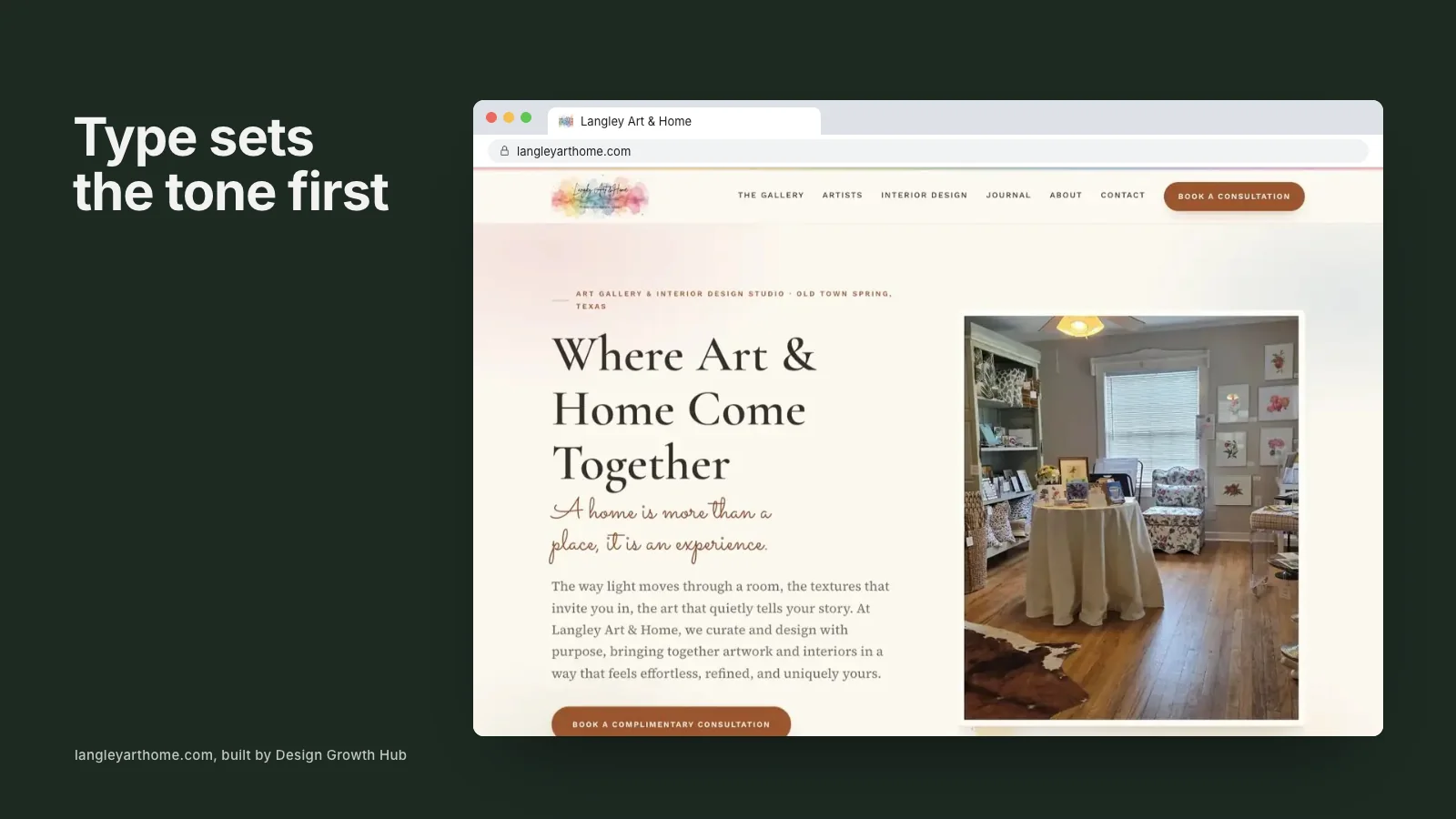
Typography matters too. Some builders make it hard to use a refined type pairing well, which our guide to choosing fonts for an interior design website covers.
The part that matters more than the builder
Clients and search engines respond to content and structure far more than to the platform underneath. Clear service pages, project stories, accurate business details and a simple inquiry path will work on any reasonable builder. A beautiful template with thin content will struggle everywhere.
Our guides to interior designer website design and what the best interior designer websites have in common explain those foundations. If AI search matters to you, our article on making an interior design website AI-readable covers what to add regardless of platform.
Freelancers and new studios
If you are just starting out or working freelance, a simple builder is usually the right choice. Focus your energy on photography and a few strong project pages. Our article on the right website for a freelance interior designer offers a lighter plan.
When you reach the point where the builder is getting in the way, our website creation service can plan the move with you, including redirects so you keep what you have built. Or request a studio review and we will tell you whether your current builder still fits.
Build your visibility foundation
Design Growth Hub helps interior designers build the visibility foundation behind high-value discovery.
Request a Studio Review