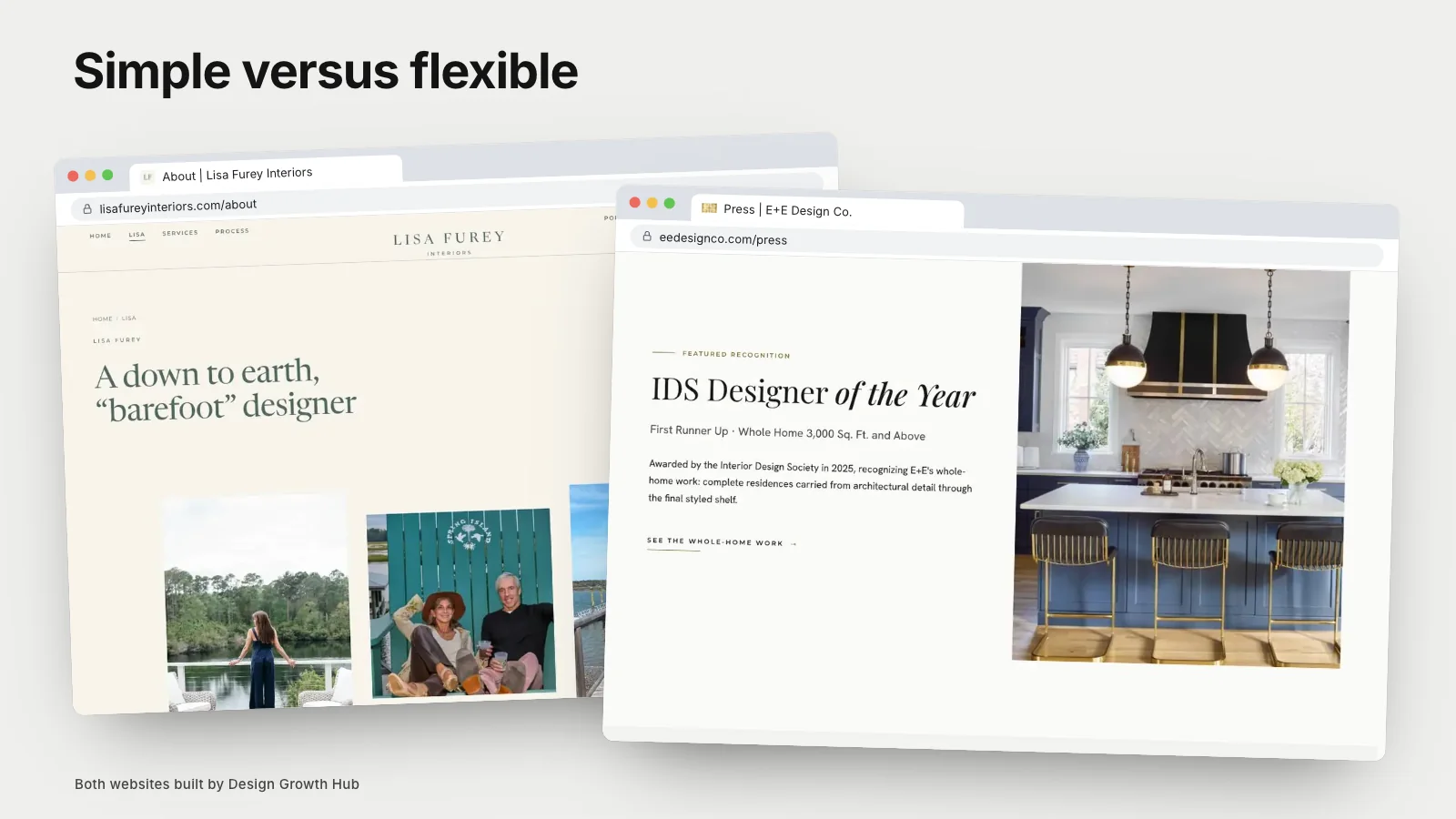
Squarespace suits design businesses that want a beautiful, simple website they can manage themselves, with hosting, security and updates handled for them. WordPress suits businesses that need more flexibility, many pages, custom features or deeper control over structure and search settings, and that have help to maintain the site. Both can support strong search visibility when content and structure are good. The right choice depends on your size, how often you update the site, who will maintain it and how much it needs to grow.
Here is how they compare on the points that matter to design businesses.
Ease of use
Squarespace is easier for most people. You edit pages visually, choose from polished templates and do not manage hosting or updates. WordPress has a steeper learning curve, especially with page builders, themes and plugins, though a well-built WordPress site can be easy to edit.
Design
Squarespace templates are attractive and consistent, which suits many design studios, though sites can look similar to others using the same template. WordPress offers almost unlimited design possibilities through themes and custom development, making distinctive designs easier when you have a skilled designer.
Flexibility and features
WordPress excels at flexibility: custom page types for projects, advanced filters, integrations, multilingual sites and complex structures. Squarespace covers common needs well but has limits for complex sites.
SEO controls
Both allow page titles, descriptions, headings, alt text and clean addresses. WordPress, with suitable plugins, offers finer control over structured data, redirects and technical settings. Squarespace covers the essentials and handles some technical details automatically. For most small design businesses, either can perform well. Our articles on answer engine optimization and AI search optimization explain the content factors that matter more than platform.
Performance
Squarespace performance is generally consistent. WordPress performance depends on hosting, theme and plugins; a well-built site can be very fast, while a poorly built one can be slow.
Maintenance and security
Squarespace manages updates and security. WordPress requires regular updates to the core, themes and plugins, plus backups and security measures. Many businesses use a managed hosting provider or a maintenance plan.
Cost
Squarespace has predictable subscription costs. WordPress itself is free, but hosting, premium themes, plugins, development and maintenance add costs. For simple sites, Squarespace is often cheaper overall; for complex sites, WordPress can offer better value.
Portfolios and projects
Design businesses rely on portfolios. Squarespace handles galleries and project pages well for modest portfolios. WordPress handles large portfolios with structured project data, filters and consistent templates more easily.
Moving between them
Moving from Squarespace to WordPress, or the reverse, is possible but requires planning, content migration and redirects.
Which suits your stage
- New or small studio: Squarespace is usually the simpler start.
- Growing studio with many projects and pages: WordPress or a custom build may fit better.
- Visually distinctive brand: WordPress or Showit with skilled design support, or custom.
Our comparison of Showit versus Squarespace covers another popular option.
Questions to help you decide
Ask a few practical questions. How many pages will the site need in two years? How often will you add projects? Who will update the site, and how comfortable are they with technology? Do you need features such as an online shop, bookings or complex filters? Do you have budget for ongoing maintenance? If the answers point to simplicity and self-management, Squarespace is often right. If they point to growth, complexity and outside help, WordPress or a custom build may fit better.
Mistakes to avoid on either platform
On Squarespace, common mistakes include using a template that does not suit long project stories, uploading huge images and leaving page titles at their defaults. On WordPress, common mistakes include installing too many plugins, choosing heavy themes, skipping updates and neglecting backups. Both platforms reward care and punish neglect.
What clients actually notice
Clients rarely know or care which platform your site uses. They notice whether it loads quickly, looks considered, explains what you do and makes it easy to get in touch. Choose the platform that helps you deliver those qualities consistently with the time and help you have.
Ownership and access
Whichever you choose, make sure the account, domain and any hosting are in your business's name, with designers or developers given access rather than ownership. This protects you if you change providers later.
Trying before committing
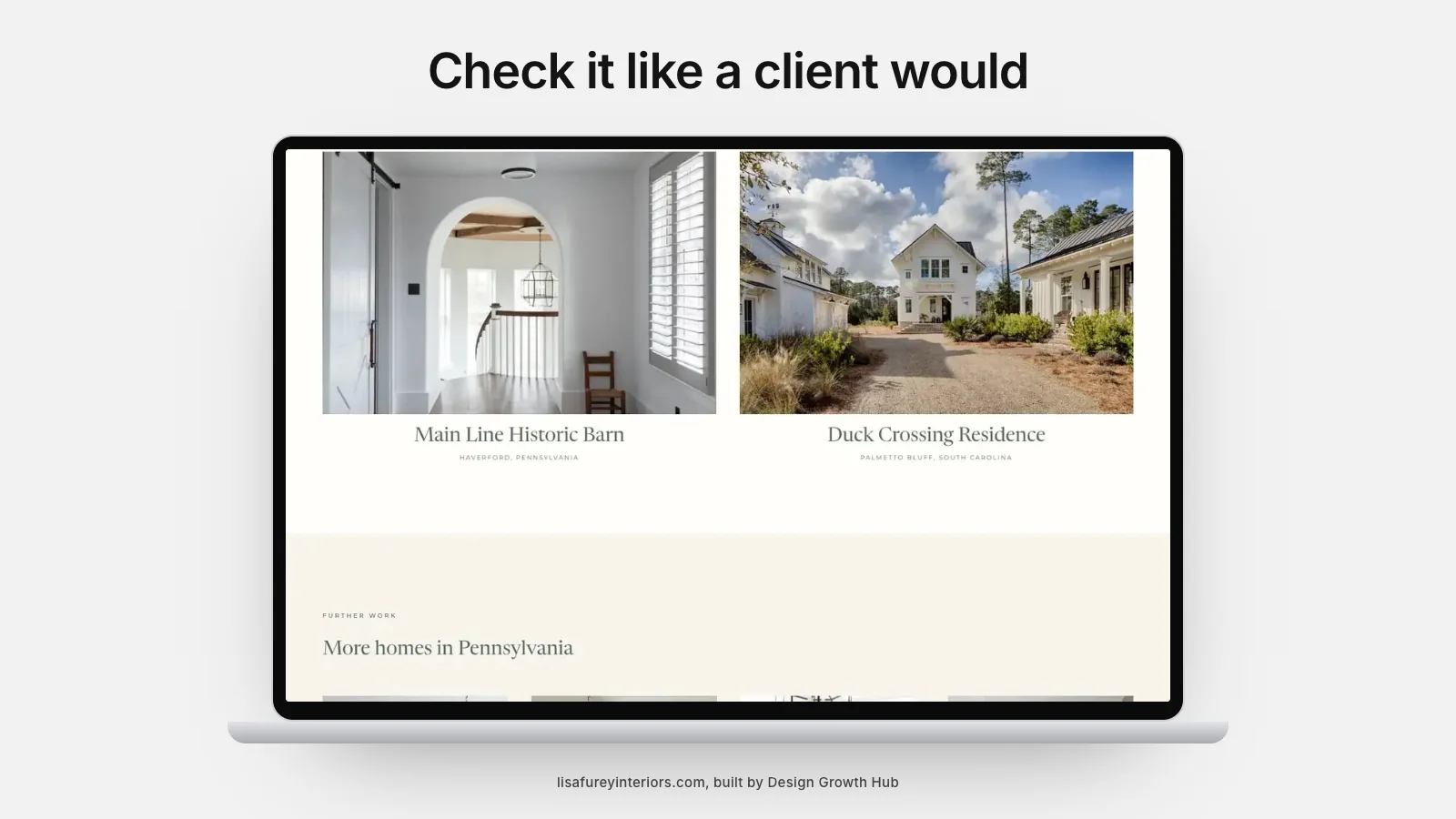
Both platforms offer ways to explore before committing: Squarespace with trial periods and WordPress with test installations. Build one real project page on each with your own photos and text, then view it on a phone. The experience often makes the decision obvious.
A note on page builders
Many WordPress sites use page builders that make editing visual. They add convenience but can slow pages if overused. Ask your developer which approach they recommend and why.
Audit before deciding
If you already have a site, an audit shows whether problems stem from the platform or from content and structure. Our website audit checklist can help. Often, content improvements matter more than switching platforms.
Conversion and marketing
Whichever platform you choose, the site must turn visitors into inquiries. Our articles on conversion website design and web marketing for design businesses explain how.
If you would like help choosing and building on the right platform, our website creation service works with design businesses. Or request a studio review to start.
See how Google + AI understand your studio
A beautiful portfolio matters. But if search engines and AI tools cannot connect your studio to the right searches, better-fit clients may never reach your website.
Request a Studio Review