A website audit for a design business checks whether the site is clear to clients, persuasive, easy to act on, fast and mobile-friendly, technically sound for search engines and well prepared for AI tools. The checklist below covers clarity, content, structure, conversion, speed, mobile experience, search basics, local signals and AI readiness. Work through it, note issues and prioritize fixes by their likely impact on inquiries.
Clarity
- Does the first screen say what you do, for whom and where?
- Is the main call to action visible?
- Would a stranger understand your business within ten seconds?
Content
- Does each core service have its own page?
- Do projects have their own pages with stories, facts and locations?
- Does the about page introduce the people with real photos?
- Are common client questions answered?
- Are press, awards and memberships presented and linked?
- Is content current, with recent projects?
Structure
- Is navigation short and clearly labeled?
- Are pages organized logically?
- Do projects link to related services and other projects?
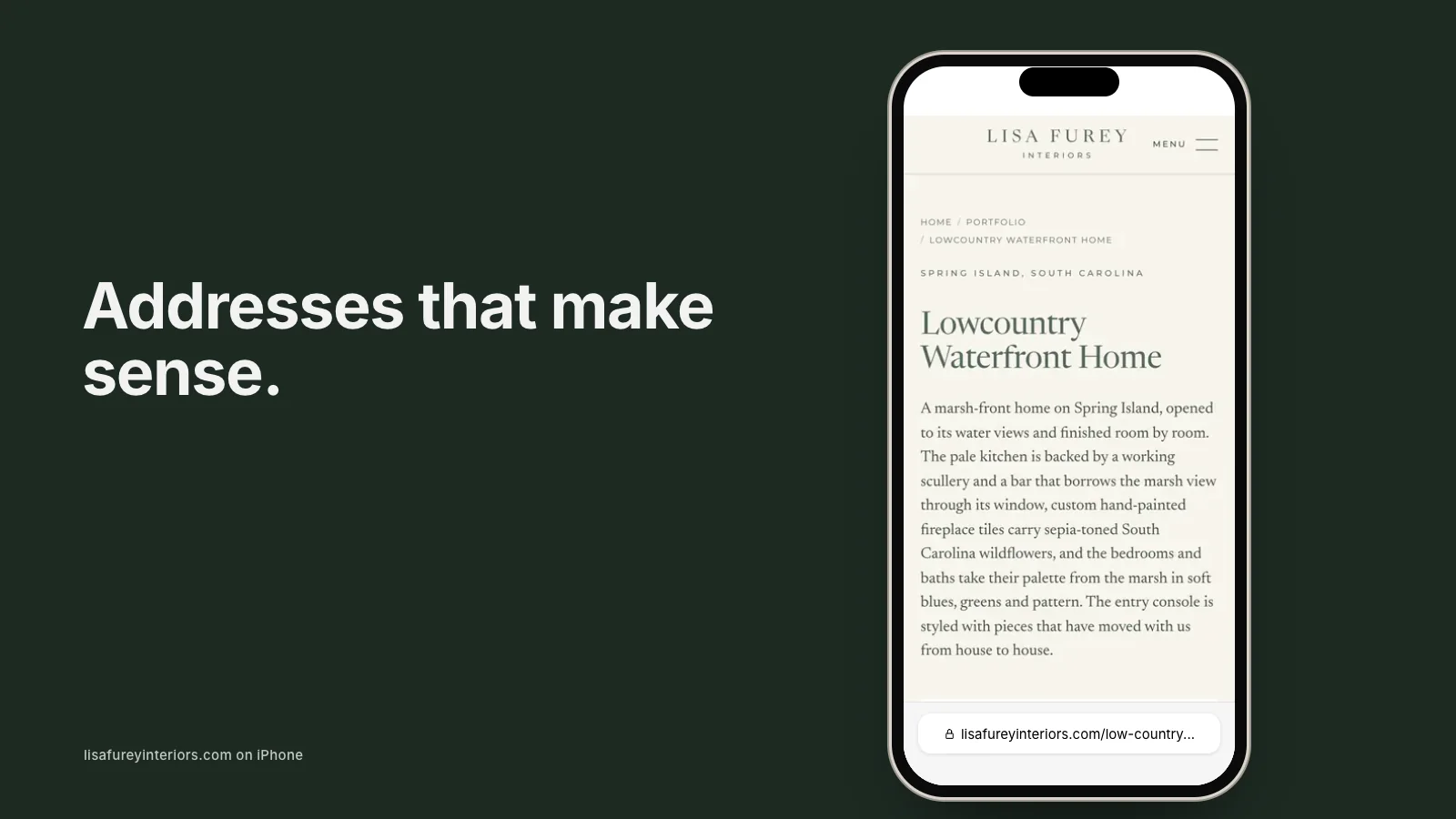
- Are page addresses clean and readable?
Our article on why website slugs matter explains page addresses.
Conversion
- Is there a clear next step at the end of each page?
- Is the contact form short and working?
- Does the form explain what happens next?
- Are testimonials placed near decisions?
- Is the phone number tappable on mobile?
Speed
- Do pages load quickly on a phone using mobile data?
- Are images resized and compressed?
- Are heavy videos or scripts slowing pages?
Mobile experience
- Is text readable without zooming?
- Are buttons easy to tap?
- Do galleries and menus work smoothly?
Search basics
- Does every page have a unique title and description?
- Do pages use clear headings?
- Do images have descriptive alt text?
- Is there a sitemap, and is Search Console connected?
- Are there broken links or pages returning errors?
- Are old pages redirected properly?
Local signals
- Is your Google Business Profile complete and linked?
- Do business details match exactly across the web?
- Are service areas described on the website?
- Are reviews shown or linked?
AI readiness
- Is your business described clearly and consistently?
- Do project and service pages include specific details?
- Is structured data present for your business?
- What do AI tools say when asked about your services in your area?
Our article on making a website AI-readable explains this section in depth.
Home page check
Your home page deserves special attention. Our guide to what to put on a design website home page offers a detailed checklist.
Trust signals
- Are reviews or testimonials visible on key pages?
- Are credentials, licenses or memberships shown where relevant?
- Is there a real photo of the people behind the business?
- Does the site look current, with recent projects and dates?
Trust signals often decide whether a visitor contacts you or a competitor.
Accessibility
- Is text contrast strong enough to read easily?
- Can the site be navigated with a keyboard?
- Do images have meaningful alt text?
- Are links and buttons clearly labeled?
Accessible sites serve every visitor better and support search.
Analytics and tracking
- Is an analytics tool installed and working?
- Are form submissions and calls tracked?
- Do you know which pages lead to inquiries?
- Is Search Console showing any warnings?
Without tracking, it is hard to know whether improvements are working.
Content freshness
- When was the last project added?
- Are team members and services current?
- Are any pages referring to outdated offers, staff or events?
An outdated detail can quietly undermine trust.
Doing the audit as a client would
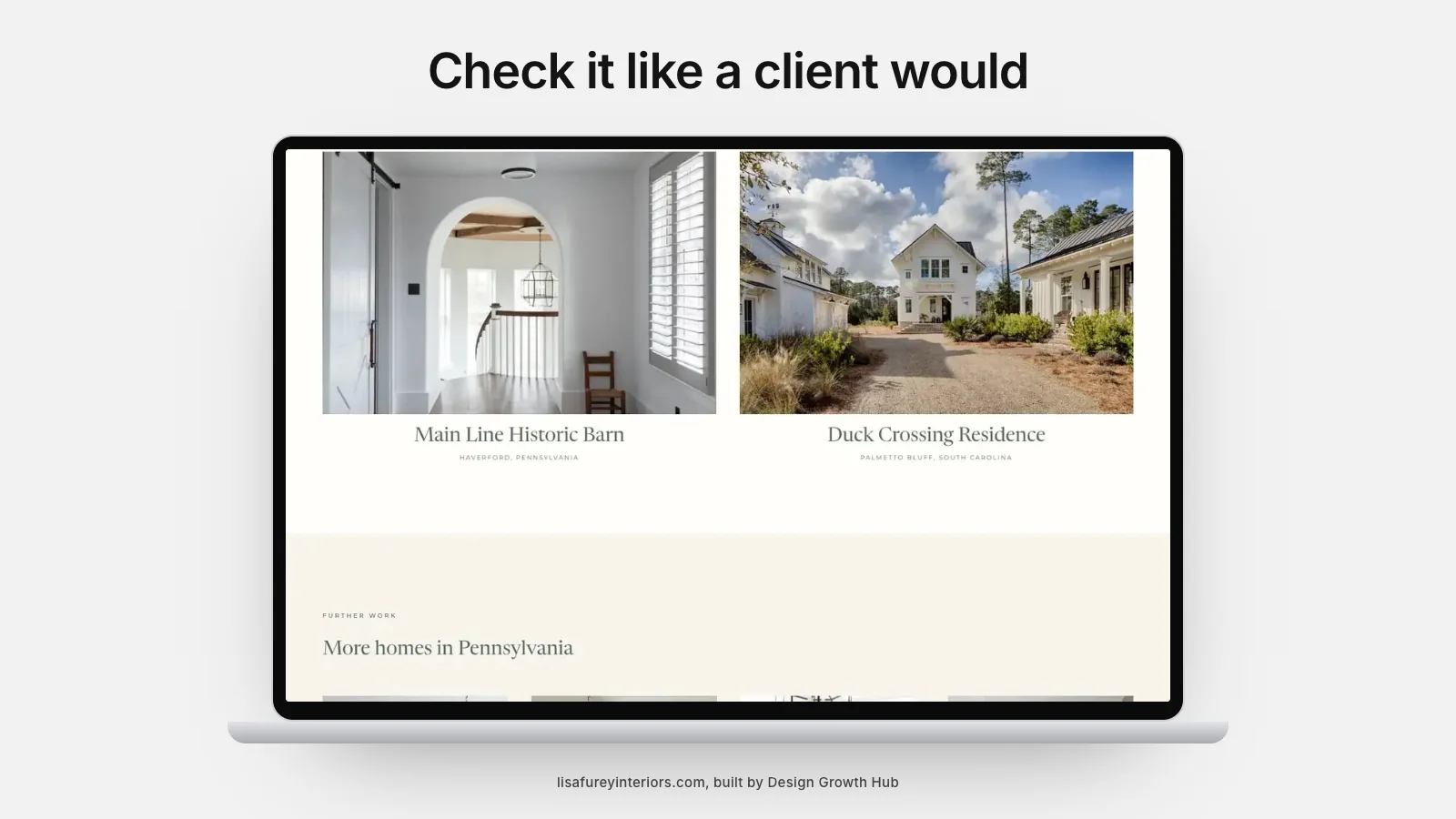
Finally, step outside your role and use the site as a prospective client: arrive on a project page from a search, try to understand what you offer, look for proof and send an inquiry from your phone. Note every moment of hesitation. These moments often reveal the most important fixes.
Content gaps by client question
List the ten questions prospective clients ask most often, then check whether your website answers each clearly. Unanswered questions are content gaps. Filling them helps visitors, search engines and AI tools, and often reduces repetitive emails.
Competitor comparison
Look at two or three competitors' websites using the same checklist. Note where they are clearer, faster or more persuasive, and where you are stronger. The comparison helps you prioritize improvements that matter in your market.
Recording findings
Write each finding with a short note on its impact and a suggested fix. A simple table keeps the audit actionable and makes it easy to track progress as issues are resolved.
Prioritizing fixes
Rank issues by impact. Typically, fixing clarity, missing service or project content, a broken form or slow mobile pages brings more benefit than minor technical issues. Schedule high-impact fixes first.
Tools and reports
Free tools can check speed, broken links and basic search settings. Our article on free website audit tools lists useful options, and what a good audit report shows explains how to read findings. If you hire a professional audit, what a website audit costs explains what to expect.
How often to audit
Run a full audit once a year and a quick check after major changes, such as adding pages or redesigning.
If you would like a professional review of your website, our website redesign team offers audits for design businesses. Or request a studio review to start.
Turn your website into a visibility asset
A website can be a brochure or an asset that brings clients. We help design studios build the second kind.
Request a Studio Review