An architecture portfolio website works best when it presents a curated set of projects, each on its own page with photography, drawings, project facts and a short narrative about the brief, the site and the design decisions. Projects should be organized so clients can find work similar to theirs, pages should load quickly despite large images and the portfolio should be updated as new work is completed. Whether you are a firm or an individual architect, the portfolio is the heart of your website.
Here is how to plan and build one.
Curate rather than archive
Your portfolio is not a record of everything you have designed. It is a selection that represents the work you want to do next. Choose projects that show your strengths, your design approach and the types and scales of work you want more of. Leave out projects that no longer reflect your direction, even if they were important at the time.
For firms with long histories, a separate archive can hold older work while the main portfolio stays focused.
Structure each project page
A strong architecture project page usually includes:
- A descriptive title, such as "Hillside residence in Sonoma County."
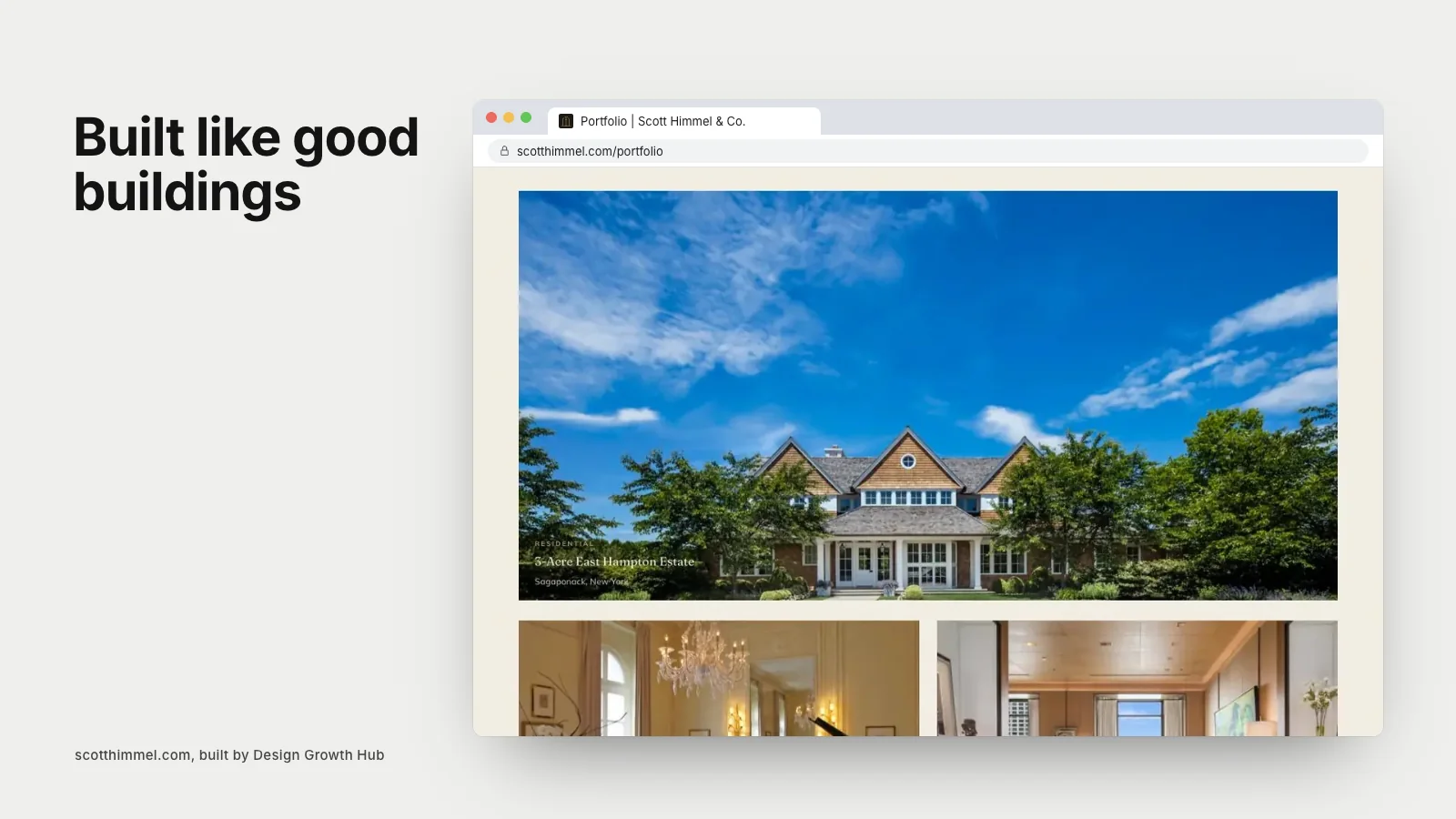
- An opening image that captures the project.
- Project facts: location, type, size, status or completion date, client type and collaborators.
- A narrative of two to four paragraphs: the brief, the site, constraints, key design moves and outcome.
- Drawings: plans, sections, sketches or diagrams.
- A sequence of photographs moving from context to building to interior to detail.
- Credits for photographers, builders and consultants.
- Links to related projects.
Use drawings to show thinking
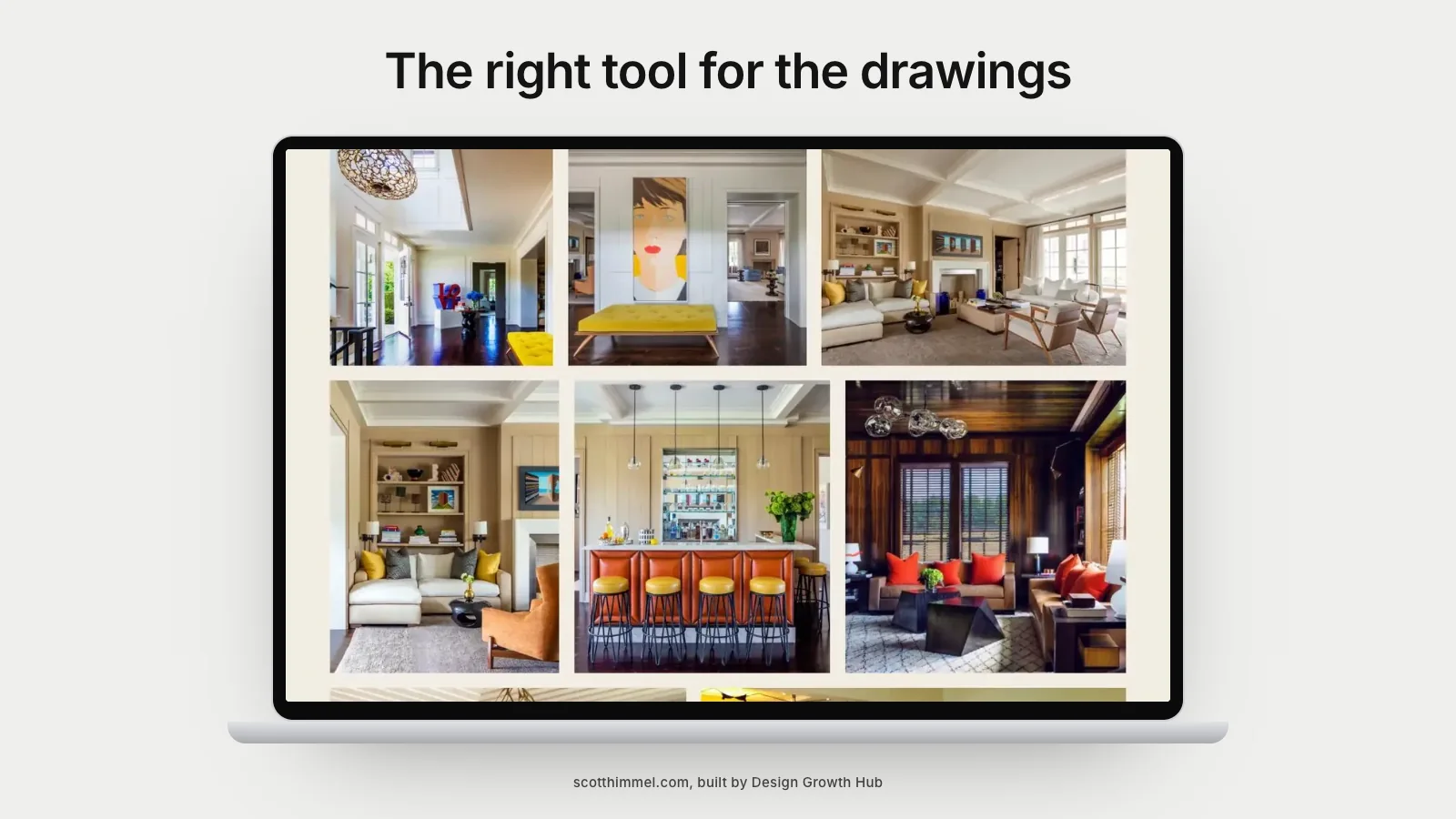
Drawings set architecture portfolios apart. Plans, sections and sketches show how you think about space, light and site. Present them clearly, at sizes that can be read, with short captions explaining what they show. Clients and peers both appreciate seeing the process behind the finished building.
Sequence the photography
Order images to tell a story: approach and context, the building as a whole, key spaces, then details. Use consistent editing and avoid near-duplicates. Give strong images room with full-width layouts.
Write clearly
Project narratives should be understandable to clients, not only to architects. Explain design moves in plain language: why the house is oriented a certain way, how a material responds to climate, how a plan supports daily life. Specific, clear writing makes your thinking memorable.
Organize for browsing
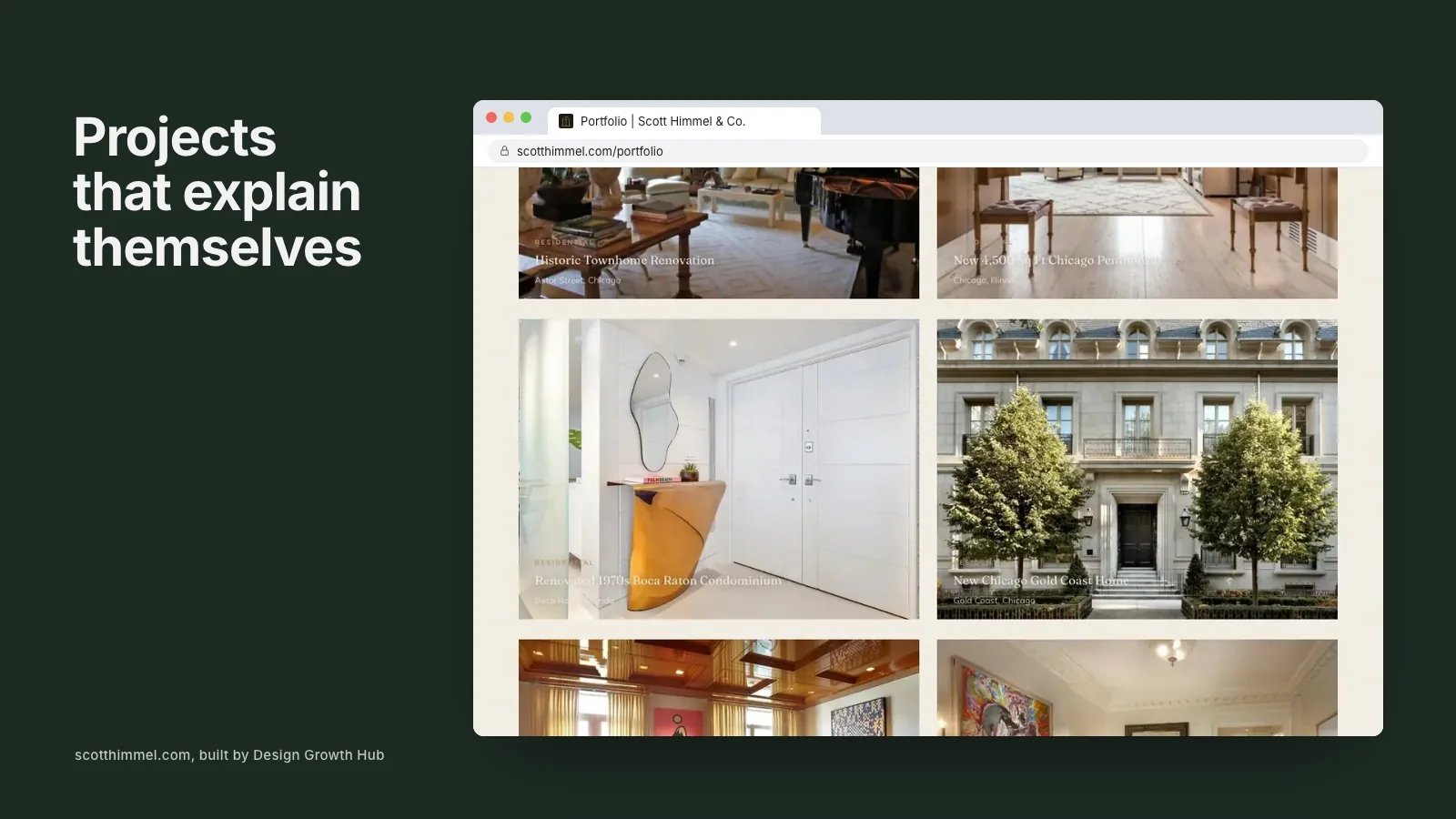
Group projects by type, such as residential, commercial, cultural or interiors, and by status if you show unbuilt work. Filters help once you have more than a dozen projects. Short descriptions on thumbnails, naming type and location, help visitors scan.
Include unbuilt work thoughtfully
Competition entries, research and unbuilt designs can show your thinking, especially for emerging practices. Label them clearly so visitors understand which projects are built.
Speed and performance
Architecture portfolios are image-heavy. Resize and compress images, use modern formats, load images as visitors scroll and test on phones. A slow portfolio frustrates visitors and harms search visibility.
Search and AI visibility
Descriptive titles, project facts, narratives and image alt text help search engines and AI tools understand your work. Clients searching for "modern residential architect in Austin" are more likely to find a page that clearly describes such a project.
Choosing a platform
Builders like Squarespace, Format or Cargo suit individual architects and small firms. WordPress or custom builds suit firms with large portfolios and specific needs. Our guide to the best architecture portfolio website builder compares options.
The about page
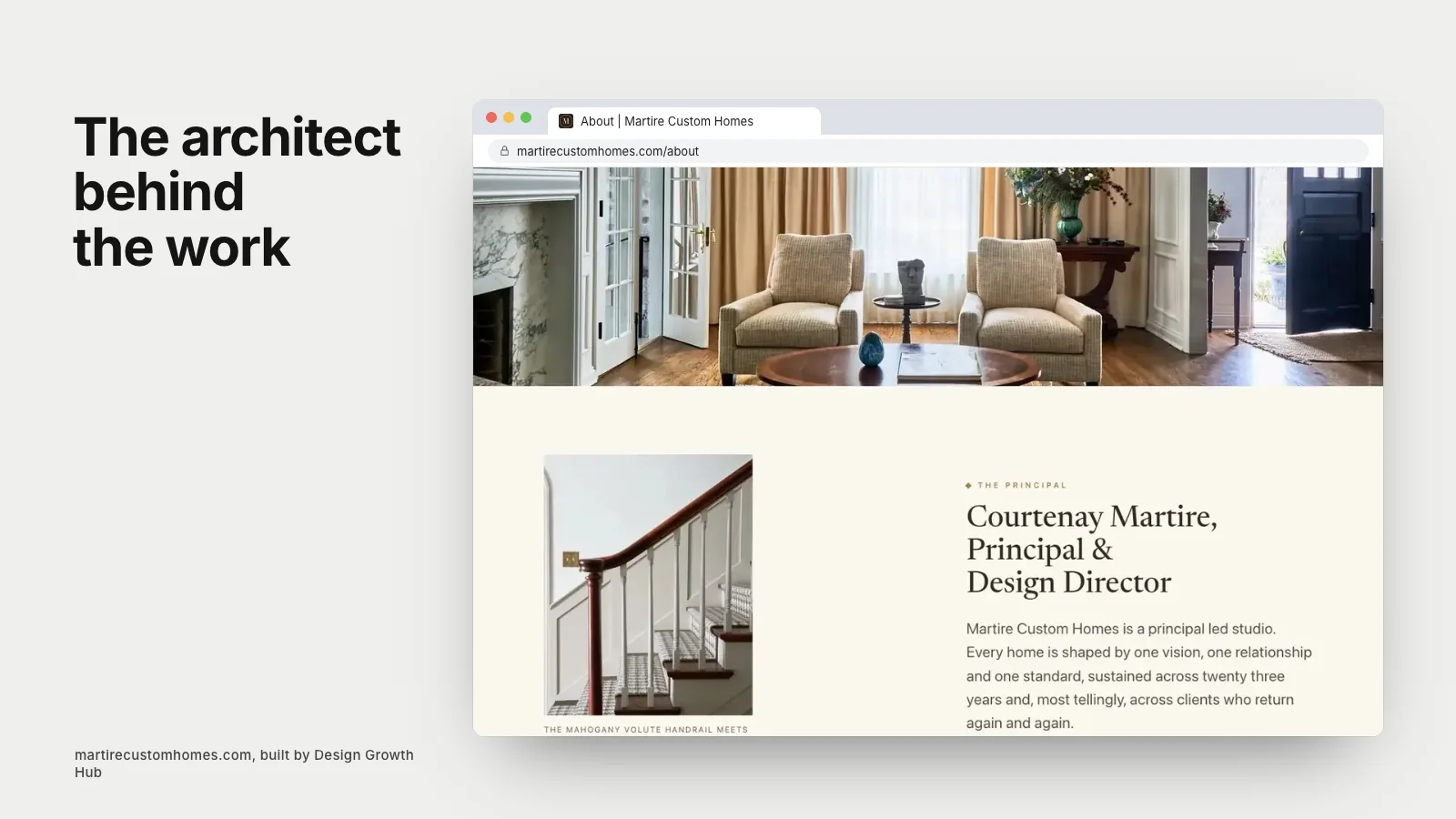
The portfolio works alongside an about page that introduces the people and the practice. Our guide to writing the about page of an architecture portfolio offers prompts and structure.
Learning from others
Our articles on architecture firm website examples, what great architecture firm websites have in common and architecture portfolio examples that win clients show strong portfolios in practice. Practices that include interiors can see one website for an architecture and interior design practice.
Credit collaborators generously
Architecture is collaborative. Credit builders, engineers, landscape architects, interior designers and photographers on every project page. Generous credits reflect well on the practice, strengthen relationships and often lead partners to share your work with their own audiences.
Connect projects to services and people
Link each project to the service it represents and to the people who led it. Visitors who admire a project can then learn who designed it and how to start a similar conversation. These links also help search engines understand how your pages relate.
Make contact easy from every project
End each project page with a short invitation, such as "Planning a home like this? Tell us about your site," linked to your contact page. Visitors who have just admired a project are often closest to reaching out.
Keeping it current
Add projects as they are photographed. Update facts and recognition as projects are published or awarded. Review the selection once a year. A current portfolio signals an active practice.
Common mistakes
- Showing everything rather than curating.
- Photos without context or narrative.
- Drawings too small to read.
- Slow, heavy pages.
- No clear path from portfolio to contact.
If you would like help building an architecture portfolio website, our website creation service works with architects. Or request a studio review to start.
Turn your website into a visibility asset
A website can be a brochure or an asset that brings clients. We help design studios build the second kind.
Request a Studio Review