A strong architecture portfolio project page has a descriptive title, a striking opening image, a block of project facts, a short narrative explaining the brief, site and design moves, drawings that show the thinking, a sequence of photographs moving from context to detail, credits for collaborators and a closing invitation to related projects and contact. Below is an example structure with sample wording you can adapt to your own projects.
The title
Use a descriptive title that tells visitors and search engines what the project is.
Example: "Hillside Residence, Sonoma County"
A secondary line can add character: "A single-story home stepping down a vineyard slope."
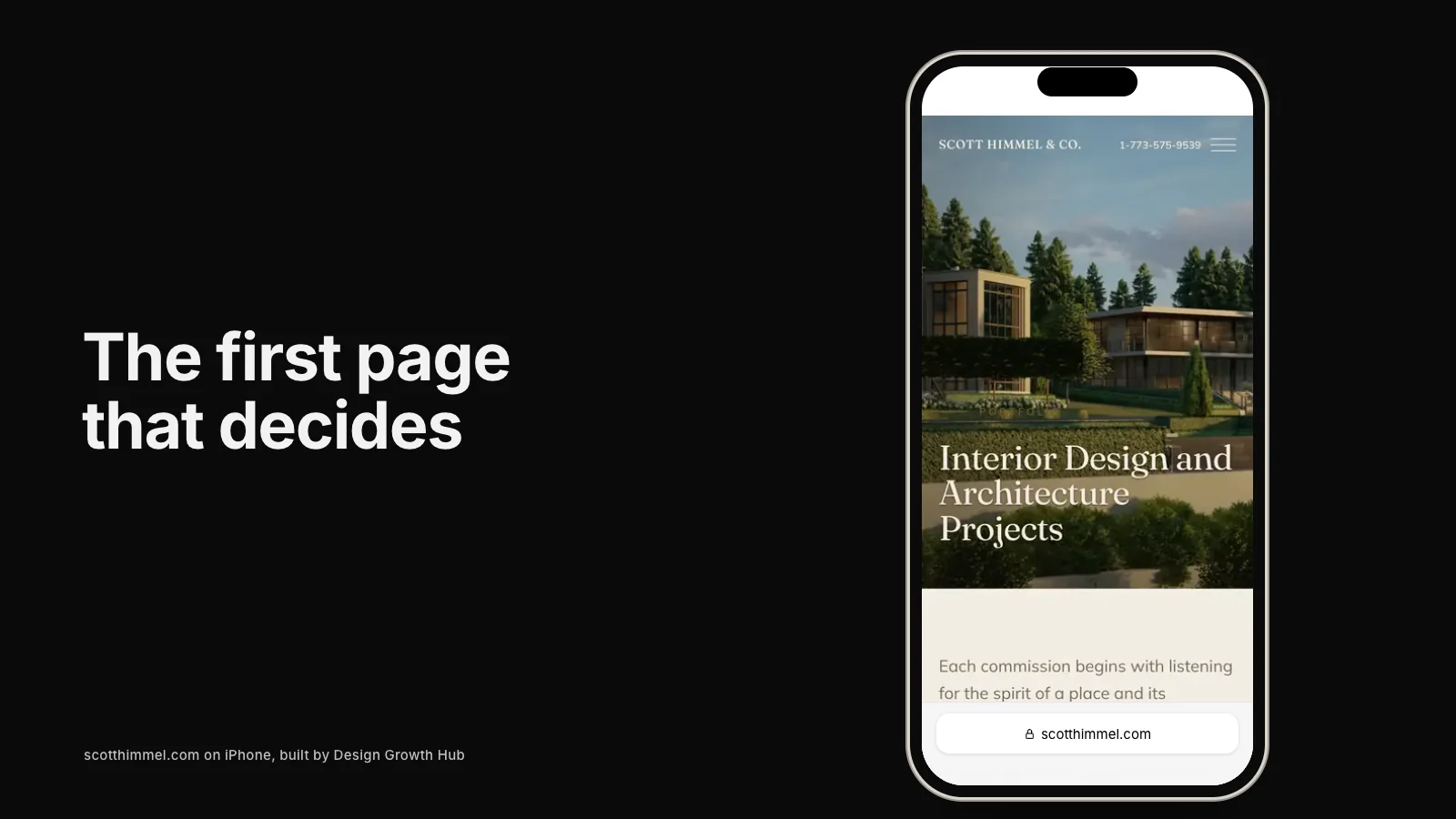
The opening image
Choose an image that captures the essence of the project: the building in its landscape, a defining interior or a characteristic detail. Make it large and let it breathe.
Project facts
Present facts in a compact block:
- Location: Sonoma County, California
- Type: New single-family residence
- Size: 3,800 square feet
- Completed: 2025
- Builder: [Builder name]
- Landscape: [Landscape architect]
- Interiors: [Interior designer]
- Photography: [Photographer]
Facts help clients scan and help search engines understand the project.
The narrative
Write two to four paragraphs in clear language.
Example narrative: "The clients, a couple relocating from San Francisco, wanted a home that felt connected to the vineyard around it and could welcome visiting children and grandchildren.
The site slopes gently to the west. Rather than leveling it, we stepped the house down the hill in three volumes, each opening to its own terrace. The living spaces face the long view, while bedrooms sit quietly behind a courtyard planted with olive trees.
Board-formed concrete walls anchor the house to the ground, and a cedar roof floats above, shading deep porches from the afternoon sun. Inside, clerestory windows bring light into the center of the plan."
This kind of narrative explains decisions without jargon.
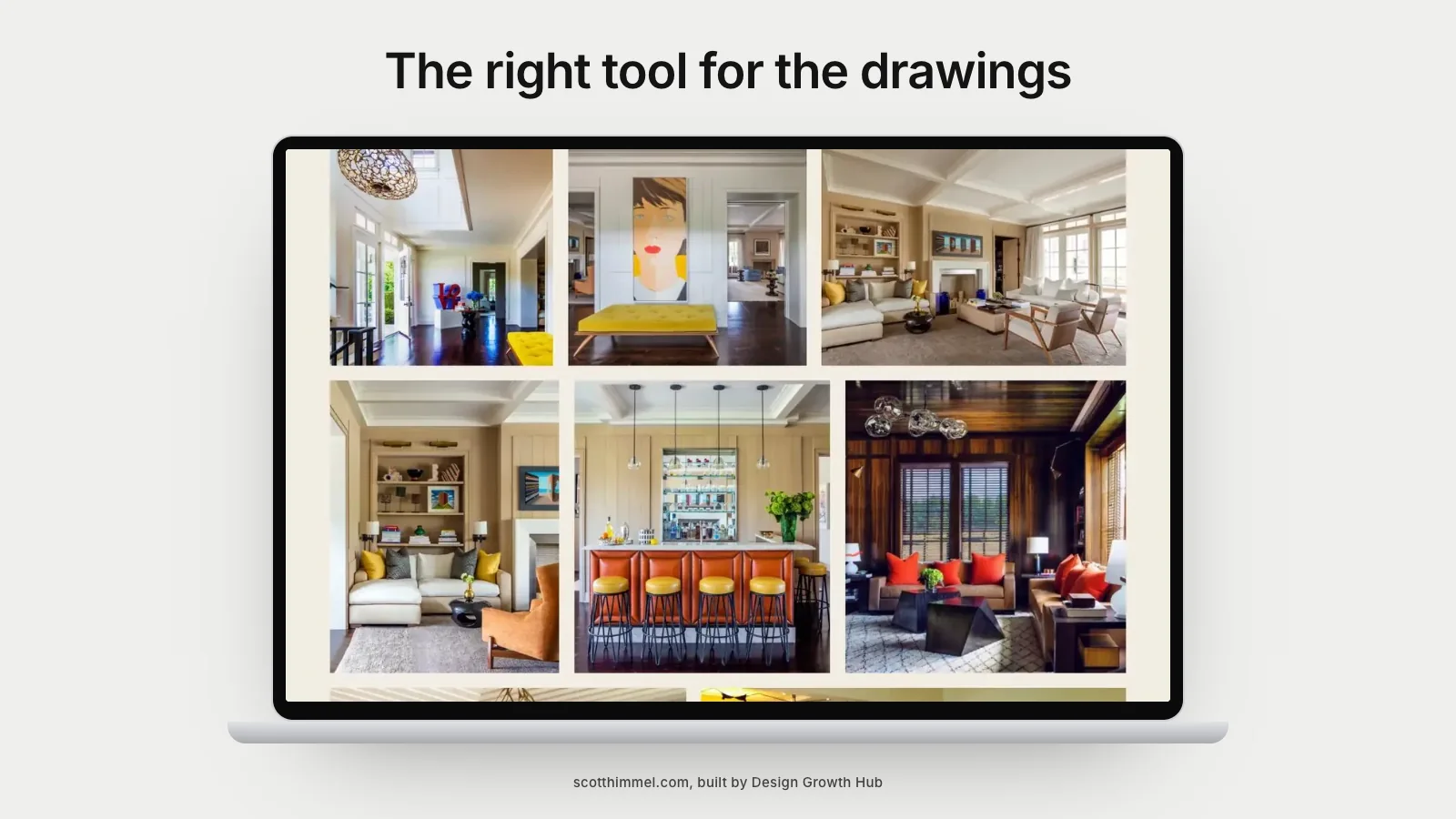
Drawings
Include a site plan, floor plan and one section or sketch. Add short captions: "Section showing how the house steps with the slope." Make sure drawings are readable on screens.
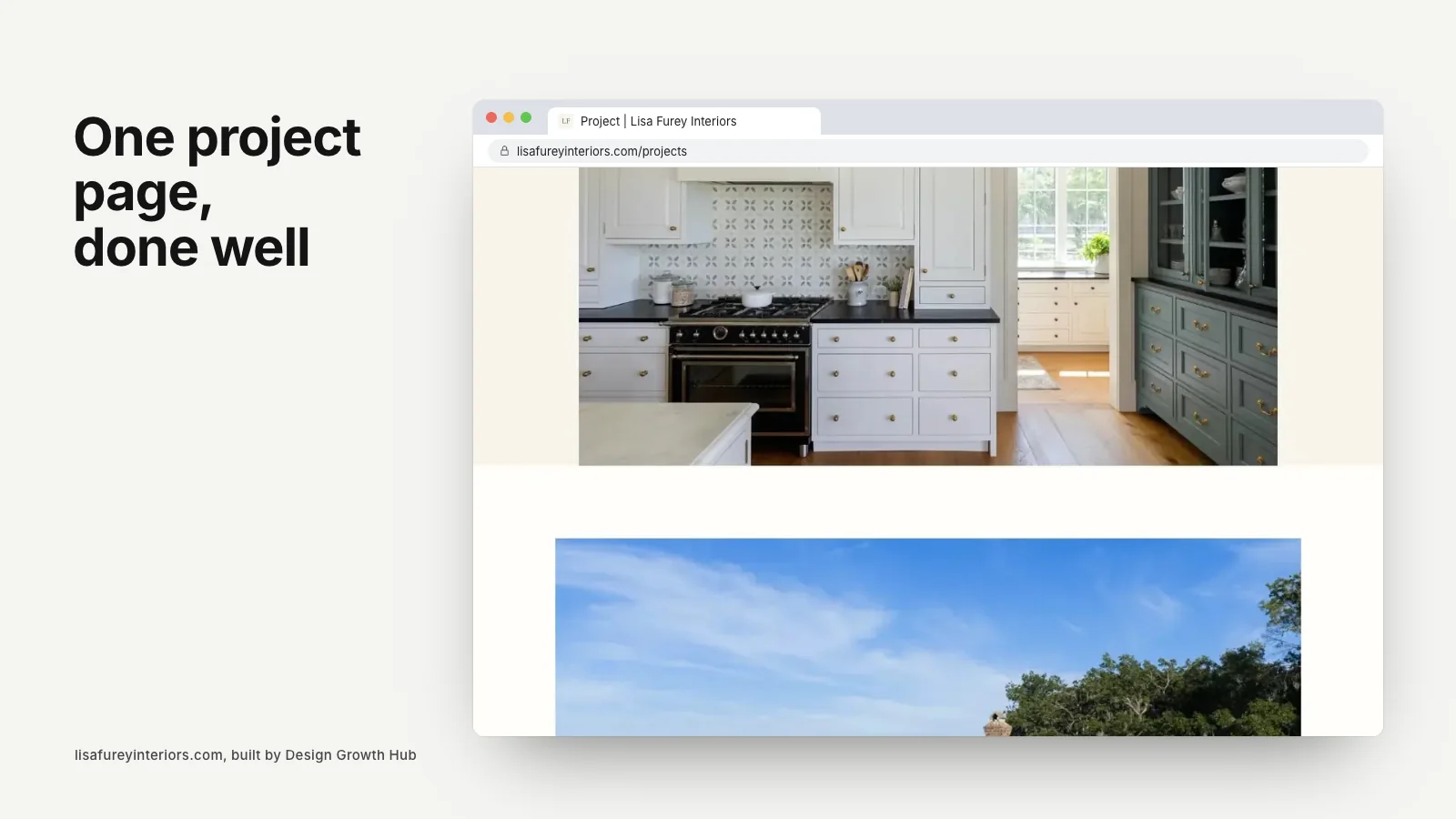
The photo sequence
Order photographs to tell the story: approach and context, the building as a whole, main living spaces, private rooms, details and evening views. Use consistent editing and avoid near-duplicates.
Captions
Add brief captions to key images: "Living room opening to the west terrace," "Board-formed concrete at the entry." Captions add meaning and help accessibility and search.
Credits
Credit the builder, consultants, landscape architect, interior designer and photographer. Generous credits strengthen relationships and add credibility.
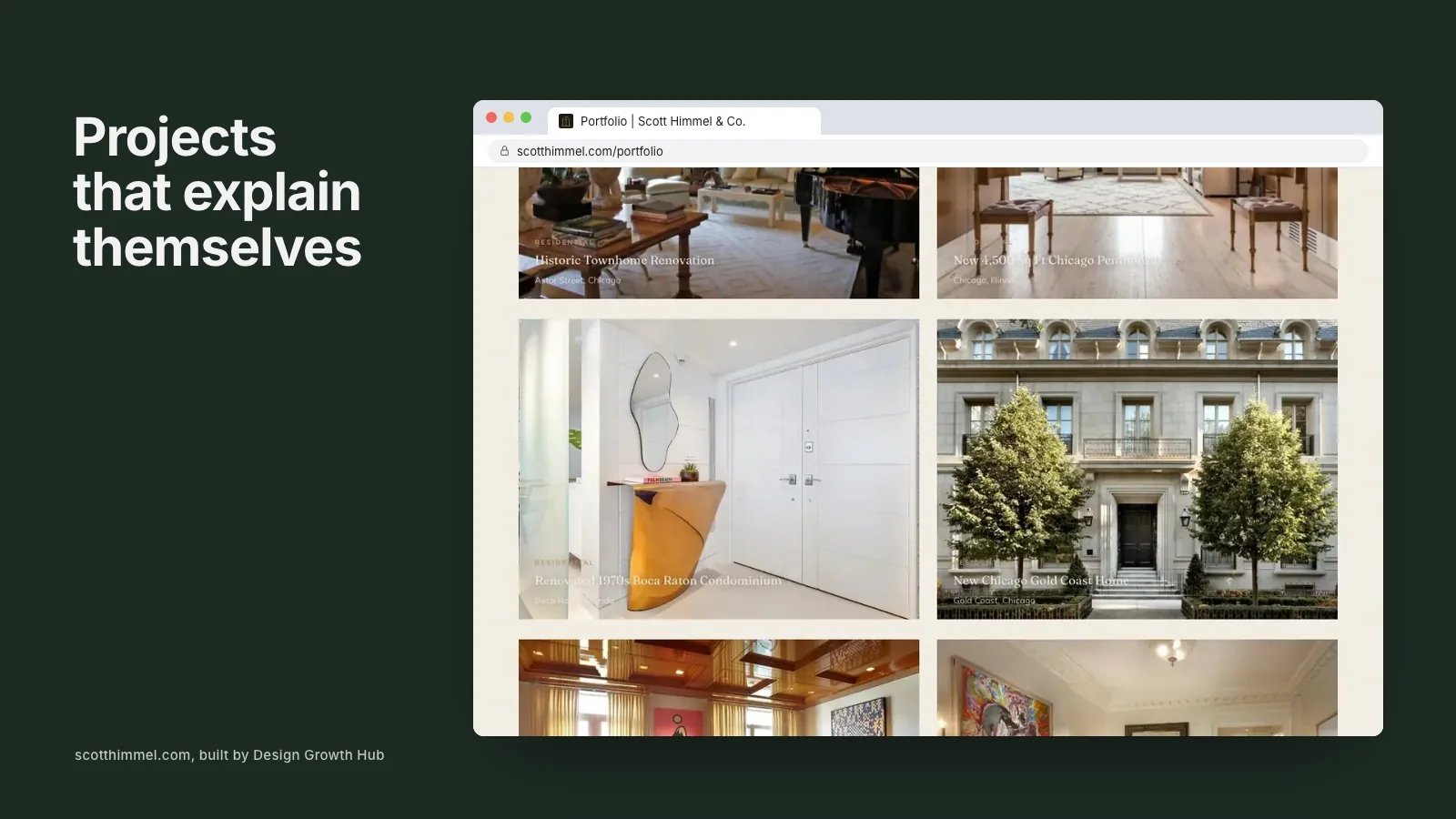
Related projects and next steps
End with two or three related projects and a short invitation: "Planning a home on a sloping site? Tell us about your land." Link to your contact page.
Technical details
- Use descriptive file names and alt text for images.
- Compress images for fast loading.
- Give the page a clear title and description for search.
- Link to the related service page.
Before and after for renovations
For renovation projects, add a short section showing existing conditions: a few photos of the original spaces and a plan comparison. A caption such as "The original kitchen was closed off from the garden; we opened the rear wall and lowered the floor to meet the terrace" makes the transformation clear.
A pull quote from the client
A short quote from the clients about living in the home adds warmth and credibility. Place it partway through the photo sequence. Always ask permission and keep the quote brief and specific.
Example format: a sentence describing how the home feels to live in, followed by the clients' first names or a general description such as "the homeowners," if they prefer privacy.
Sustainability notes
If the project includes notable sustainability features, such as passive design strategies, energy systems, water management or material choices, describe them briefly in plain language. Many clients care about these details, and they show expertise.
Mobile layout
Many visitors will see the page on a phone. Make sure the facts block stacks neatly, drawings can be enlarged and images load quickly. Test the page on a small screen before publishing.
Keeping pages consistent
Once you settle on a structure, use it for every project. Consistency helps visitors compare projects and makes your portfolio feel considered. A simple template with fields for facts, narrative, drawings and credits saves time when adding new work.
Writing for search without losing voice
Mention the project type and location naturally in the title, introduction and captions. These details help search engines and AI tools understand the page while keeping the writing readable and true to your voice.
Review before publishing
Share the draft page with the clients and key collaborators before it goes live, so facts, credits and privacy preferences are right.
Adapting the example
Not every project needs every element. Smaller projects may have a shorter narrative; competition entries may focus on drawings. Keep the structure consistent across projects so visitors learn how to read your portfolio.
Related guides
Our articles on how to build an architecture portfolio website, architecture portfolio examples that win clients and architecture firm website examples explain the wider portfolio. The about page and landing page complete the picture, and choosing a portfolio website builder helps with the technical side.
If you would like help writing and designing project pages, our website redesign service works with architects. Or request a studio review to start.
Fix the structure behind your website
Beauty gets attention. Structure gets discovery. We help you build both, so the right clients arrive ready.
Request a Studio Review