To redesign a website without losing traffic, start with an audit of what currently brings visitors and inquiries, preserve the content and addresses of valuable pages or redirect them carefully, plan the new structure before design, improve content rather than only visuals, test everything on a staging site and monitor Search Console closely after launch. Most traffic losses after redesigns come from missing redirects, deleted content or technical issues that careful planning prevents.
Here is a step-by-step approach.
Audit the current site
Before changing anything, understand what works:
- Which pages receive the most visitors from search?
- Which pages lead to inquiries?
- Which searches bring people to the site?
- Which pages have links from other websites?
- What technical issues exist now?
Google Search Console and analytics provide this data. Save a record before the redesign.
Set goals
Decide what the redesign should achieve: better inquiries, clearer services, a stronger brand, easier updates, faster pages. Goals guide decisions about structure, content and design.
Plan the new structure
Map the new site's pages: home, services, projects, about, articles, contact. Note which old pages will remain, which will merge and which will be retired. Plan page addresses carefully.
Map redirects
For every old page that will move or be removed, choose the most relevant new page and set up a permanent redirect. This tells search engines and visitors where content went. Pay special attention to high-traffic and linked pages.
Preserve valuable content
If a page ranks well, keep its core content, even if you improve it. Removing or drastically changing content that search engines value can reduce visibility. Expand and improve rather than delete.
Improve content and structure
A redesign is a chance to improve: clearer service pages, richer project stories, better headings and answers to common questions. Content improvements often bring more benefit than visual changes. Our article on conversion website design for service firms explains how structure supports inquiries.
Keep search basics in place
Each page needs a unique title, description and clear headings. Keep or improve structured data. Make sure images have alt text and pages load quickly.
Choose the right platform
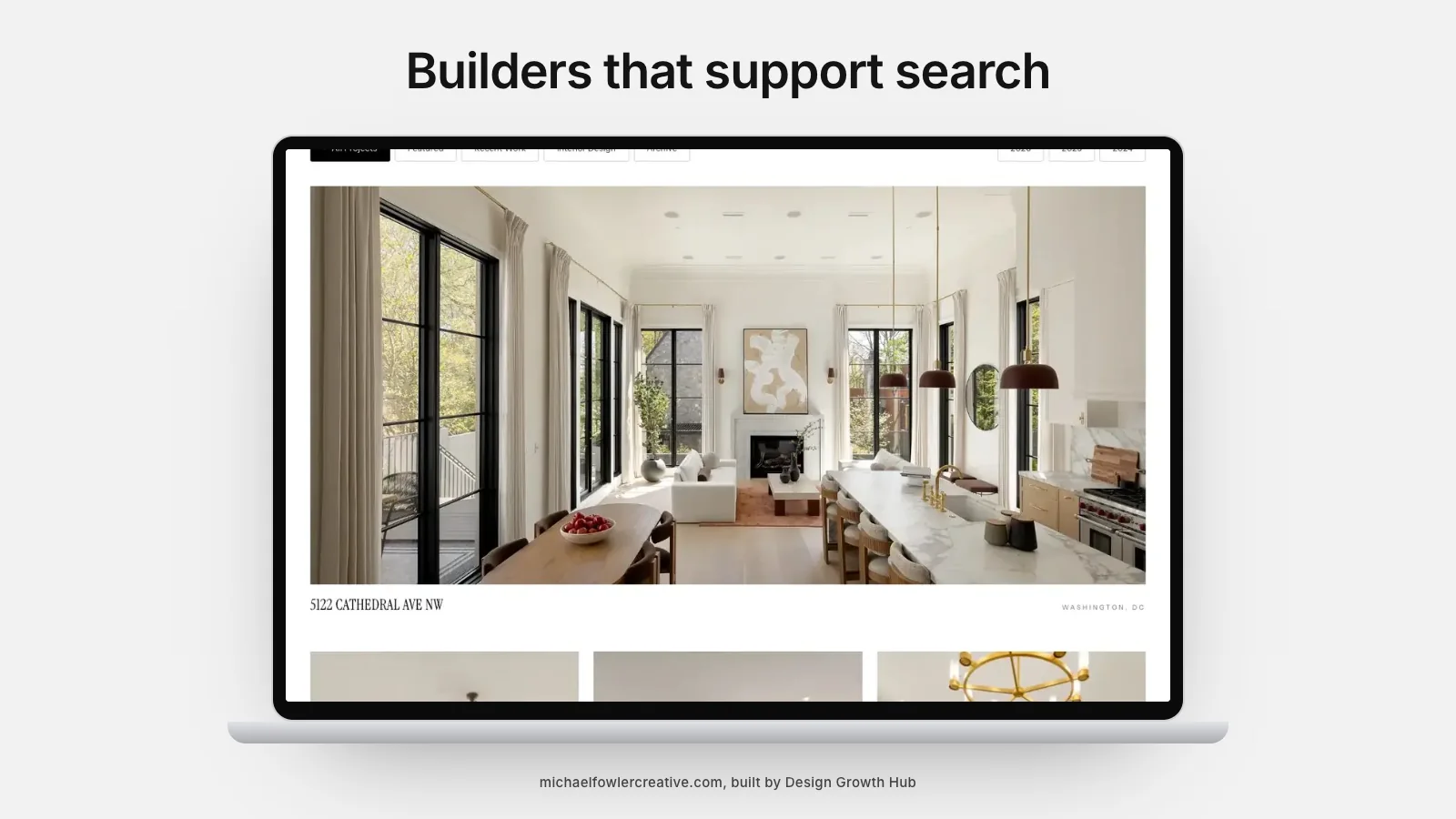
If you are changing platforms, check that the new one supports your needs for structure, speed and search settings. Our article on website builders with good SEO compares options.
Test on a staging site
Build and test the new site before launch: check every page, link, form and redirect; test on phones and desktops; review speed. Make sure the staging site is hidden from search engines until launch.
Launch carefully
Launch at a quieter time. Remove any settings that blocked search engines on the staging site. Submit the new sitemap in Search Console. Check that redirects work.
Monitor after launch
For several weeks, watch Search Console for errors, indexing changes and search performance. Fix broken links and missing redirects quickly. Some fluctuation is normal; sustained drops need investigation.
Budget and timeline
Redesigns vary in cost and duration. Our articles on website redesign cost and how much a small business website costs explain what to expect.
Focus on leads, not just traffic
A redesign should ultimately bring more and better inquiries. Our article on getting more website leads without more traffic explains how to improve conversion. Showroom-style businesses, such as closet design companies, show how clear booking paths help.
Communicating with your team
A redesign touches everyone who uses the website: whoever answers inquiries, updates projects or posts on social media. Explain the timeline, what will change and how new pages will be managed. Train the people who will update the site before launch, so content stays current from day one.
Keeping a record
Keep a simple document listing old page addresses, their new destinations, the date of launch and any issues found afterward. If visibility changes, this record makes it far easier to investigate. It also helps future redesigns go more smoothly.
When to call in help
Small redesigns of simple sites can be handled in-house. Larger redesigns, platform changes and sites with significant search visibility benefit from experienced help, especially for redirect mapping and technical checks. The cost of professional help is usually small compared with the cost of losing visibility built over years.
Using the redesign to improve, not just change
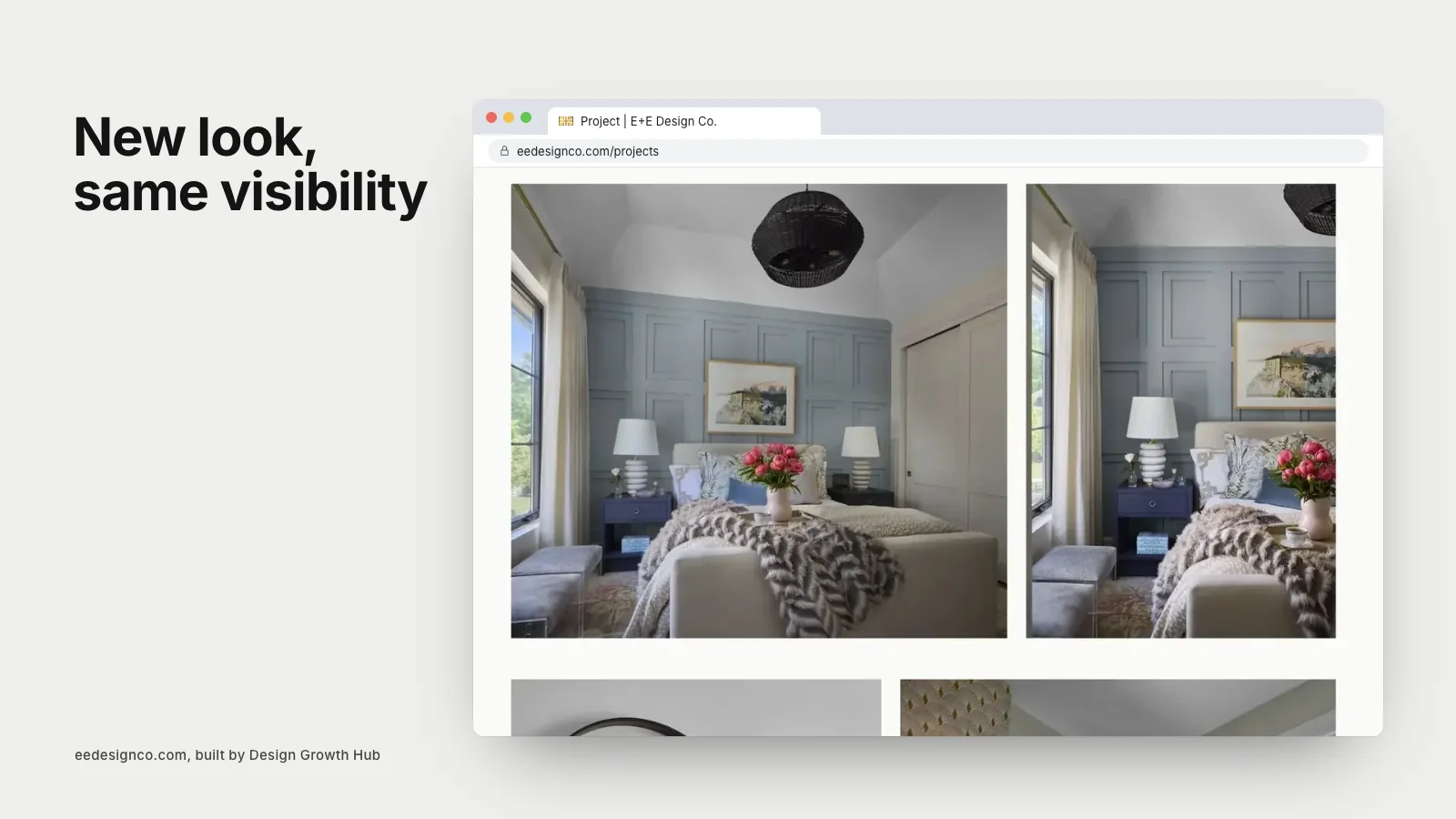
A new look is satisfying, but the most valuable redesigns change what matters to clients: clearer services, better project stories, simpler inquiries and faster pages. Measure the redesign's success by the quality and number of inquiries in the months after launch, not only by how the site looks.
Updating your Google profile and listings
If your website address, page structure or contact details change, update your Google Business Profile, directories and social profiles at launch. Links from these places should point to working pages on the new site, not old addresses that now redirect or fail.
Keeping backups
Before launch, keep a complete backup of the old site, including content and images. If something goes wrong or content is missed, you can recover it quickly.
Common mistakes
- Launching without redirects.
- Deleting content that ranked well.
- Changing all page addresses unnecessarily.
- Leaving staging settings that block search engines.
- Not monitoring after launch.
If you would like help redesigning without losing visibility, our website redesign service includes audits, redirects and post-launch monitoring. Or request a studio review to start.
Build your visibility foundation
Design Growth Hub helps interior designers build the visibility foundation behind high-value discovery.
Request a Studio Review