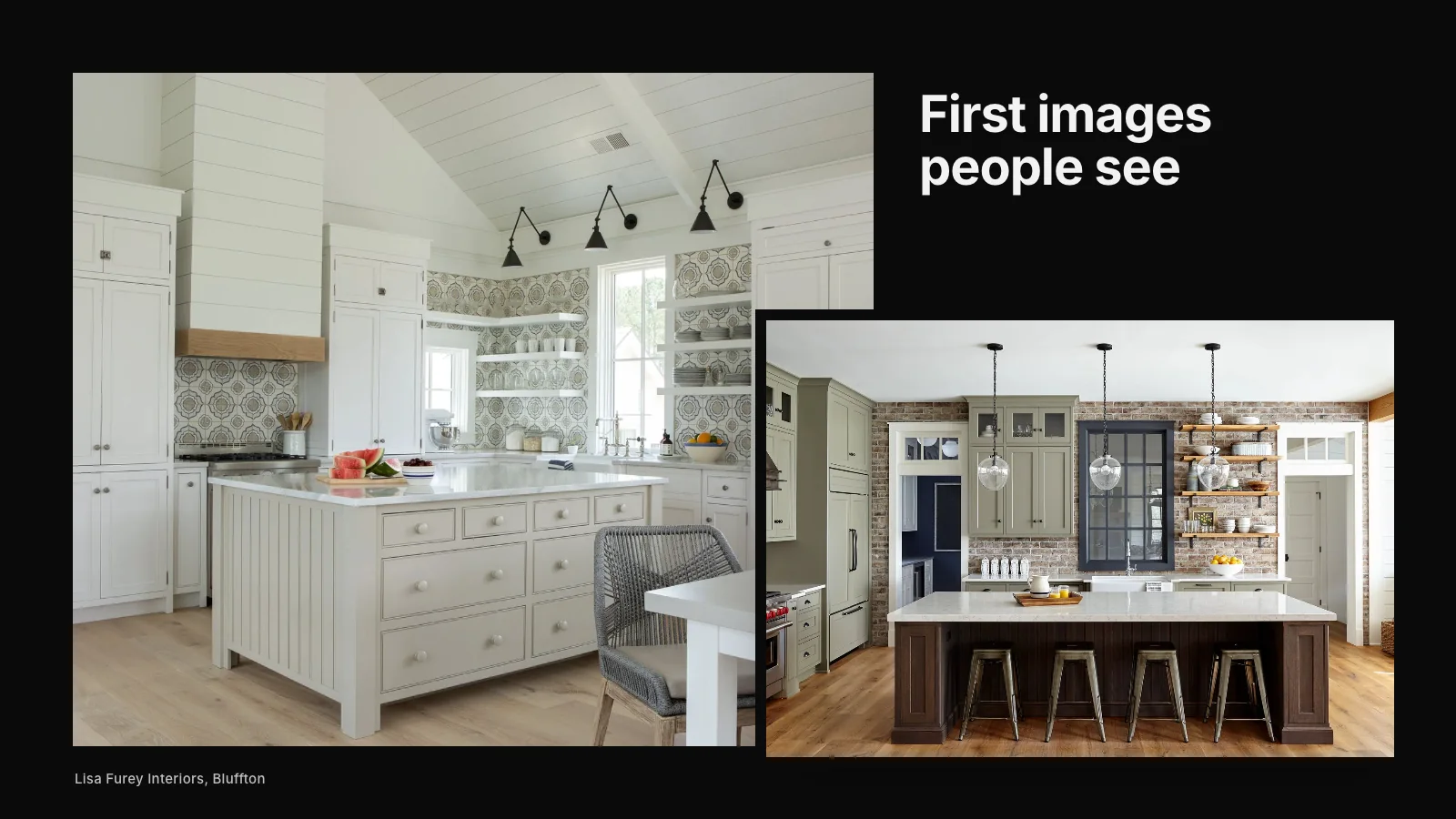
Google Business Profile photos are often the first images a prospective client sees of your studio, sometimes before they ever visit your website. The best profiles include a clear logo, a strong cover photo, high-quality images of the projects you want more of, a few photos of your team or studio and regular new uploads. Good photos make your profile more appealing and give Google more to understand about your work.
Here is how to choose, prepare and manage profile photos for a design studio, architect or builder.
Why profile photos matter
When someone searches your studio name or designers in your area, your profile appears with photos. People decide quickly whether to look further. Strong, relevant images encourage clicks, calls and website visits. Weak or outdated images can make an excellent studio look ordinary.
Photos also add information. Google can understand some of what an image shows, and recent uploads signal an active business.
The types of photos to include
- Logo: a clear, square version of your logo that reads well at small sizes.
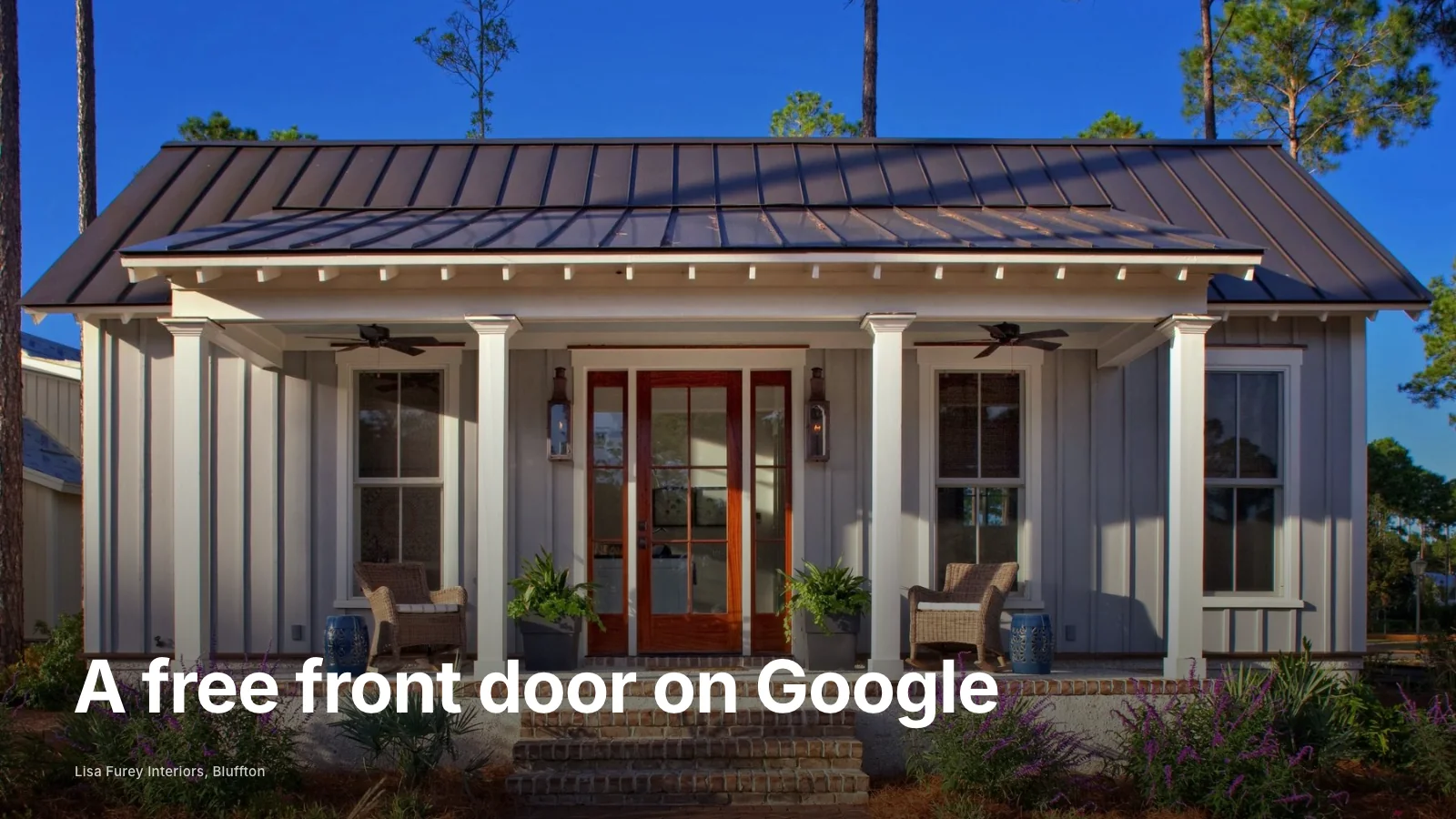
- Cover photo: your strongest representative image, often a finished room or home.
- Project photos: a selection from your best projects, with variety across rooms and details.
- Team photos: the people clients will work with.
- Studio or showroom: if clients visit you, show the space.
- Process photos: site visits, material selections or installations, used sparingly.
Choosing the right project photos
Choose images that represent the work you want more of. If you want more whole-home renovations, show them. If you focus on kitchens, lead with kitchens. Mix wide views with details. Avoid near-duplicates and images that feel dated.
Professional photography makes a significant difference. If you have published photography, use it with the photographer's permission.
Preparing photos
Google's current guidelines ask for JPG or PNG images within a set file size range, with a recommended resolution of at least 720 pixels on each side. Most professional photography easily meets this. Crop thoughtfully, since Google may display images in different shapes. Keep colors natural and avoid heavy filters.
Name files descriptively before uploading, such as "lake-forest-kitchen-renovation.jpg". It is a small habit that keeps your library organized and adds context.
The cover photo
Google may choose which image to show first, but setting a strong cover photo helps. Choose an image that represents your studio's best work and reads well when cropped. Revisit it when you complete a stronger project.
How often to add photos
Add new photos regularly, perhaps monthly or whenever a project is photographed. A steady flow of fresh images keeps your profile current and signals that the business is active. It also gives returning visitors something new.
Photos from customers
Clients and visitors can also upload photos to your profile. You cannot fully control these, but you can report images that are irrelevant or inappropriate. Encourage happy clients to share photos if they wish, but focus on your own uploads for quality.
Photos and posts
Google Business Profile posts can include photos too. Use them to share a newly completed project, a press feature or studio news. Posts with strong images tend to attract more attention. Our guide to Google Business Profile tips that actually matter covers posting in more detail.
Photos and your description
Photos work alongside your profile description and services. Together they tell Google and clients what you do. Our guide to writing a Google Business Profile description explains how to write the words that accompany your images.
Consistency with your website
Use some of the same project photography on your profile and website, and describe projects consistently. This helps people recognize your work and helps search engines connect your profile and site. Our article on why Google Business Profile matters for interior designers explains the bigger picture.
Photos for architects and builders
Architects should show finished buildings, interiors and a few process images such as models or drawings. Builders should show finished homes, craftsmanship details and organized job sites. Our articles on the benefits of a Google profile for architects and how Google Business Profile works for contractors offer more specific guidance. You can also see the best Google Business Profile examples for contractors.
Permissions and credits
Before uploading project photos, check your agreement with the photographer and, where relevant, the homeowners. Most professional photographers license images for marketing use, but terms vary. If a project was a collaboration with an architect, designer or builder, agree how each of you will use the images. Clear permissions protect relationships and avoid awkward requests to remove photos later.
Common photo mistakes
- Using only a logo with no project photos.
- Uploading low-resolution or phone snapshots of finished work.
- Leaving the same photos for years.
- Showing projects that no longer represent your focus.
- Adding images with text overlays or heavy filters.
A simple photo routine
- When a project is photographed, upload a selection to your profile within a few weeks.
- Update the cover photo when a stronger project is completed.
- Add a team photo when your team changes.
- Review the photo section every few months and remove anything outdated.
If you would like help building a profile that represents your work well, our Google Business Profile service covers photos, descriptions, services and reviews. Or request a studio review and we will look at how your profile appears today.
Make your studio easier to find
When the right clients search, clarity is what brings them to you. Let us look at the structure behind how you are found.
Request a Studio Review