The Google Business Profile tips that actually matter are simple: choose the most accurate primary category, list your services clearly, write a specific description, keep hours and contact details correct, add real project photos regularly, ask every satisfied client for a review, respond to every review, post occasional updates, keep details consistent with your website and listings and make sure your business owns the profile. Most profiles underperform because these basics are incomplete or neglected rather than because of any advanced technique.
Here are the tips in more detail.
Choose the right primary category
Your primary category tells Google what your business is. Choose the most specific accurate option, such as Interior designer, Architect, General contractor or Kitchen remodeler. Add secondary categories only if they genuinely apply.
List your services
Add each service with a short description in plain language. Services help Google match your profile to relevant searches and show clients what you offer.
Write a clear description
Say what you do, for whom and where, in plain language. Our guide to writing a Google Business Profile description offers examples.
Keep details accurate
Check your name, phone number, website, hours and address or service areas regularly. Update holiday hours. Inaccurate details frustrate clients and weaken trust.
Add photos regularly
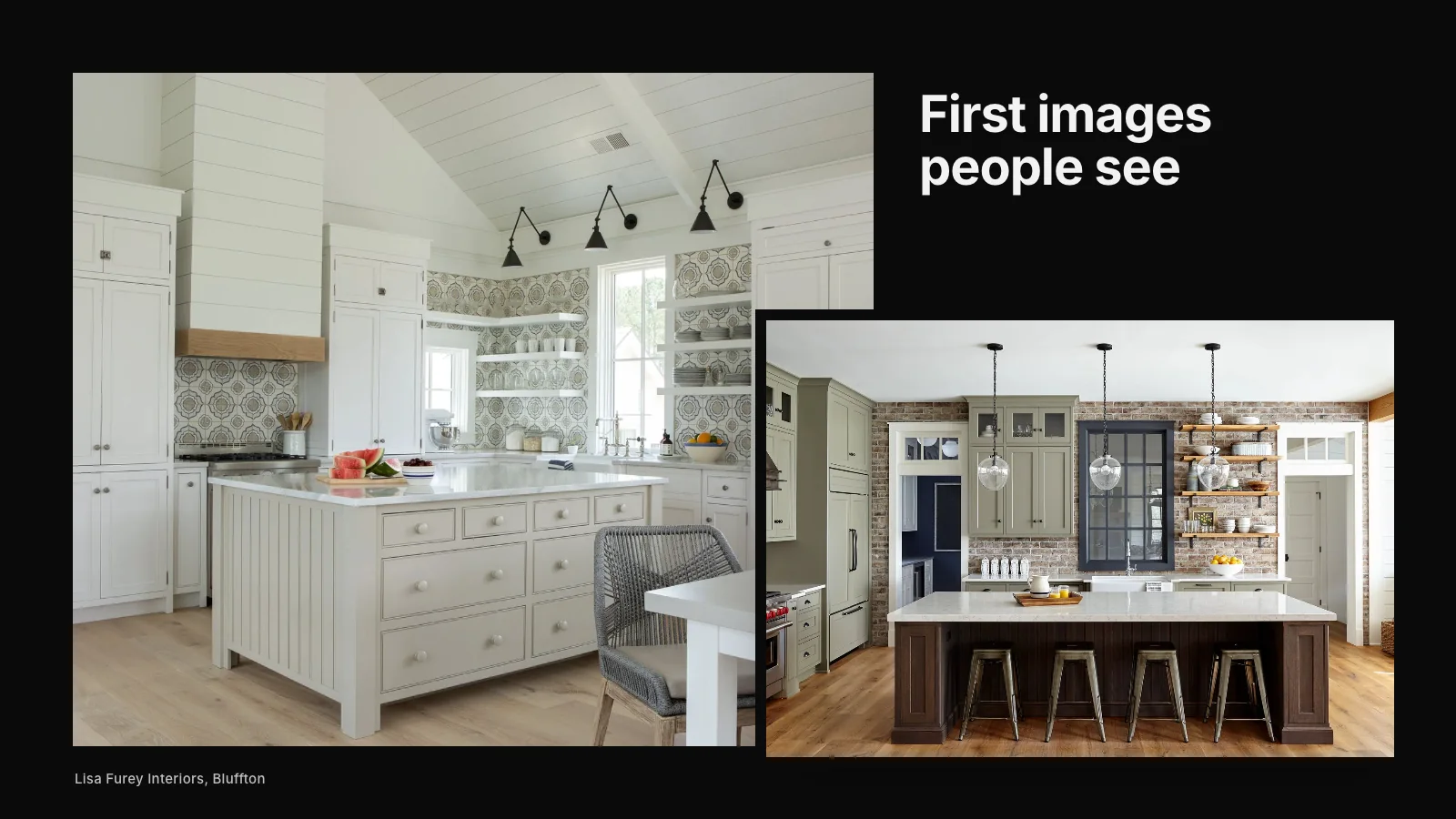
Real project photos, team photos and, where relevant, your studio or showroom help clients judge your work. Add new photos monthly or whenever a project is completed. Our guide to Google Business Profile photos covers selection.
Ask for reviews and respond
Ask every satisfied client for a review with a direct link. Respond to every review thoughtfully. Steady reviews are one of the most valuable elements of a profile.
Post updates
Posts about completed projects, events or news keep your profile active and give visitors something new.
Keep it consistent
Your profile should match your website and other listings: same name, contact details, services and areas. Consistency helps Google and AI tools connect information about you.
Verification
New profiles and some changes require verification. Our article on Google Business Profile verification tips explains the process.
Ownership and access
Make sure your business owns the profile, with staff and agencies added as managers. Review access once a year.
Follow the guidelines
Use your real business name without extra keywords, list only eligible addresses and never offer incentives for reviews. Our article on Google Business Profile guidelines design firms break covers common pitfalls.
Check performance
Review your profile's performance information monthly: views, searches, calls, website clicks and direction requests.
Cost
A Google Business Profile is free. Our article on what a Google Business Profile really costs explains when businesses pay for help.
Design professionals
Interior designers and other design professionals have particular considerations, explained in why Google Business Profile matters for interior designers.
A monthly routine
- Add a few new photos.
- Ask recent clients for reviews.
- Respond to new reviews.
- Publish one post.
- Check details and hours.
- Review performance.
Answer questions
Where the feature is available, people may ask questions on your profile. Answer them promptly and helpfully, and check periodically for new questions. You can also add common questions and answers yourself where the platform allows, such as whether you serve a particular area or offer consultations.
Use attributes that apply
Attributes such as online appointments, wheelchair-accessible entrance or identity-based attributes, where accurate, give clients useful information. Add those that genuinely apply and keep them current.
Link to the right page
Your profile's website link usually goes to your home page, but some businesses link to a page that better suits local visitors, such as a contact or services page. Make sure the destination loads quickly and explains what you do clearly.
Track calls and website visits
Use your profile's performance information to see calls and website visits. If you can, add tracking parameters to your website link so you can see profile visitors separately in your analytics. Understanding how profile visitors behave helps you improve both the profile and the website.
Photos that represent your best work
Choose photos that represent the work you want more of. If you want more whole-home renovations, show them. Remove outdated photos that no longer reflect your quality or focus. A carefully curated photo set makes a profile feel considered.
Respond to new reviews quickly
A prompt, thoughtful response shows you are attentive. Set notifications so you see new reviews quickly, and aim to respond within a few days.
Keep your website and profile in step
When you add a new service, change hours or move, update your website and profile at the same time. Consistency builds trust with clients and search engines alike.
Review the profile as a client
Once a quarter, search for your business on a phone as a client would. Look at the photos, reviews, hours and description. Fix anything outdated or confusing.
Mistakes to avoid
- Leaving sections blank.
- Using personal accounts that leave with staff.
- Adding keywords to your business name.
- Ignoring reviews.
- Letting photos become years old.
If you would like help bringing your profile up to standard, our Google Business Profile service works with design and building businesses. Or request a studio review to see how your profile looks today.
None of these tips takes long on its own. Together, kept up month after month, they make a profile that works quietly for your business every day.
See how Google + AI understand your studio
A beautiful portfolio matters. But if search engines and AI tools cannot connect your studio to the right searches, better-fit clients may never reach your website.
Request a Studio Review